Mozilla · Fall 2025
Adaptive Performance Extension
Scroll
Mozilla was developing a new product called Adaptive Performance — its main uses were to minimize energy consumption and personalize browser performance and power usage. However, the team was concerned the product itself wouldn’t align with Firefox’s branding or its users’ interests. Hence, the team created this guiding question: How might we design and implement an Adaptive Performance feature within Firefox’s web browser that promotes equitable and resource-conscious internet usage?
As one of six designers on this team, I led the competitive and internal audits that grounded our research, then helped carry that work forward through interviews, the survey, and synthesis. As the project moved from insight to interface, I partly led design exploration and backend/logic ideation, and handled the data analysis behind our runtime benchmarks.
Major Contribution
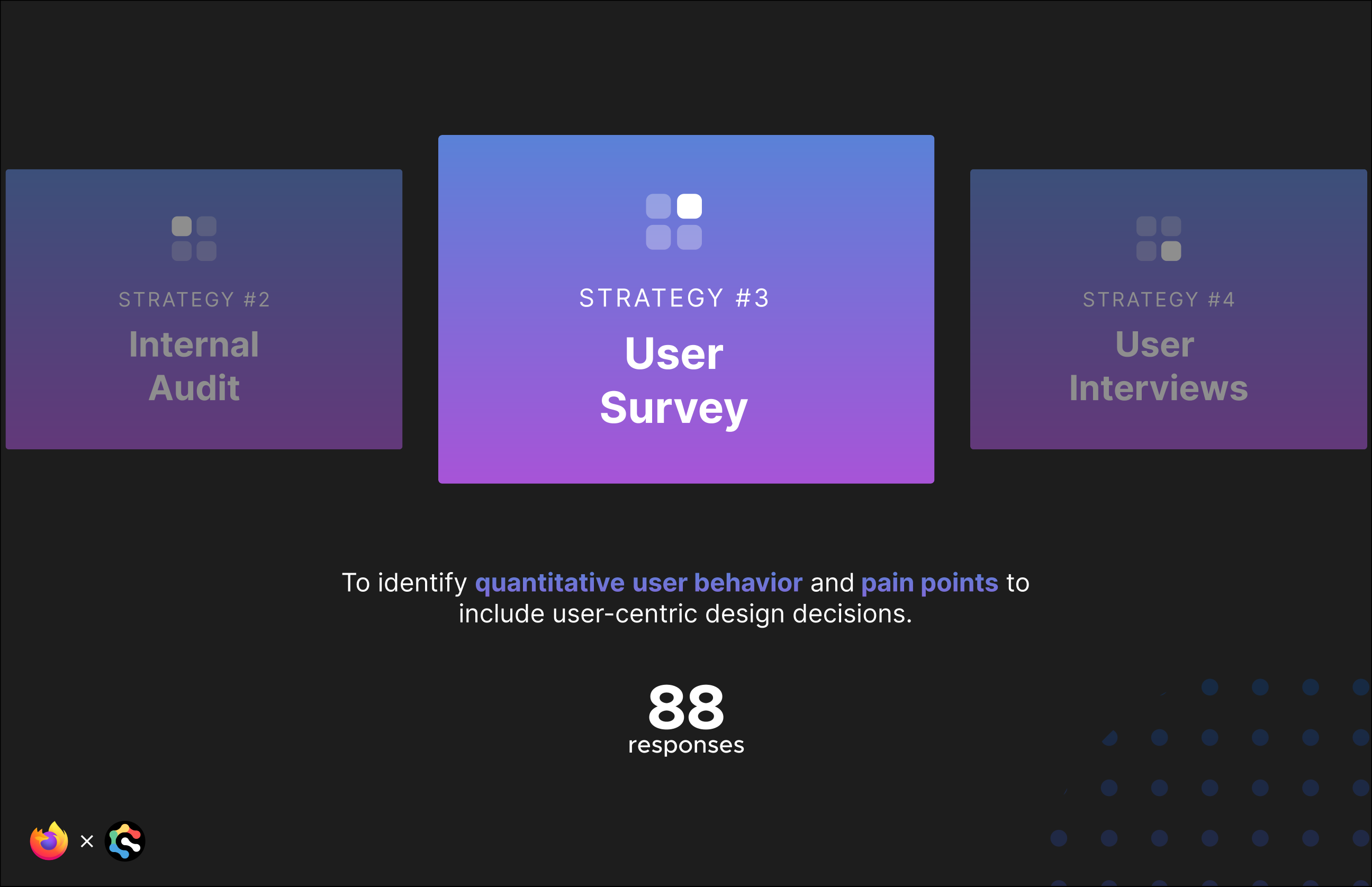
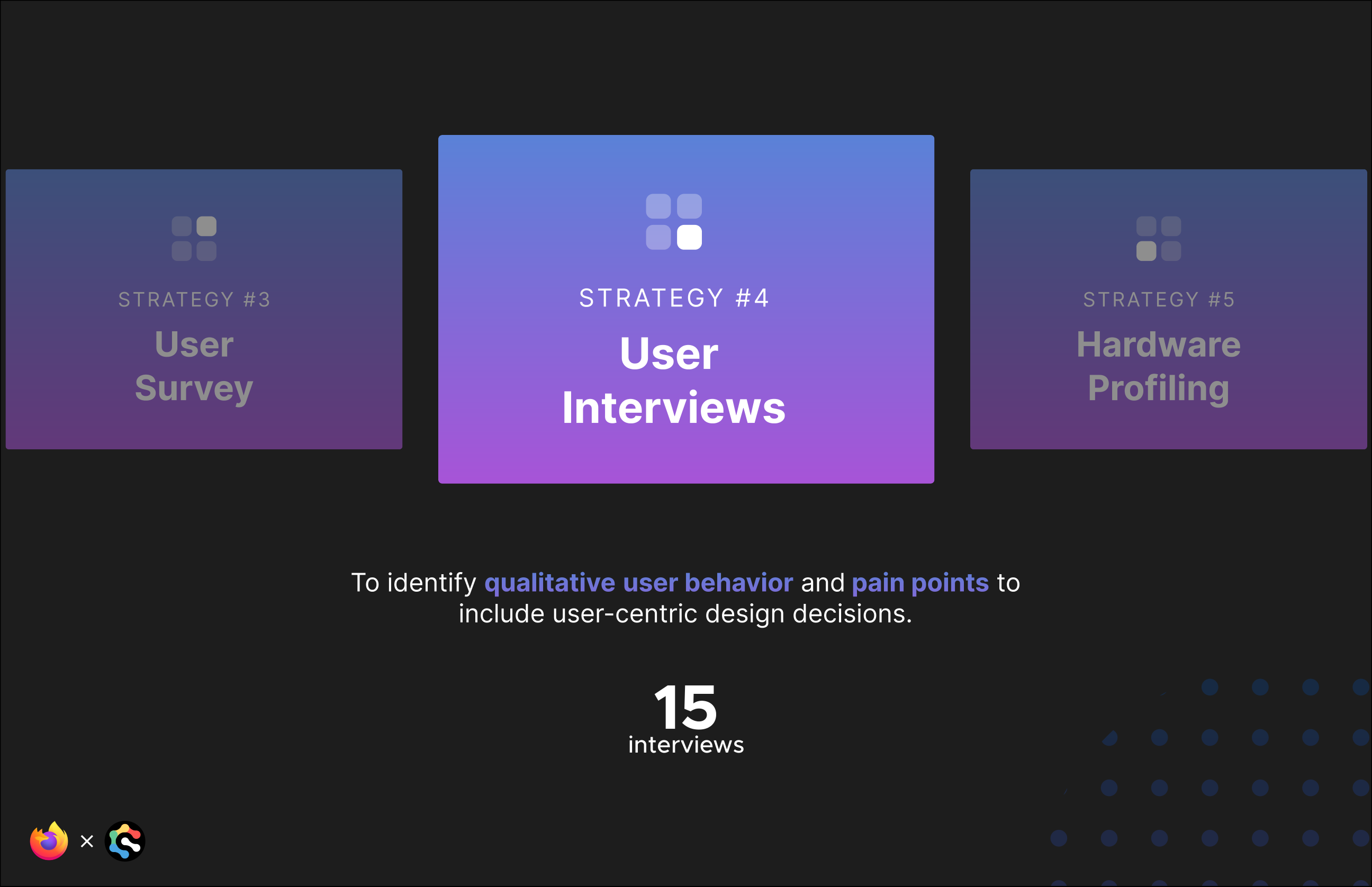
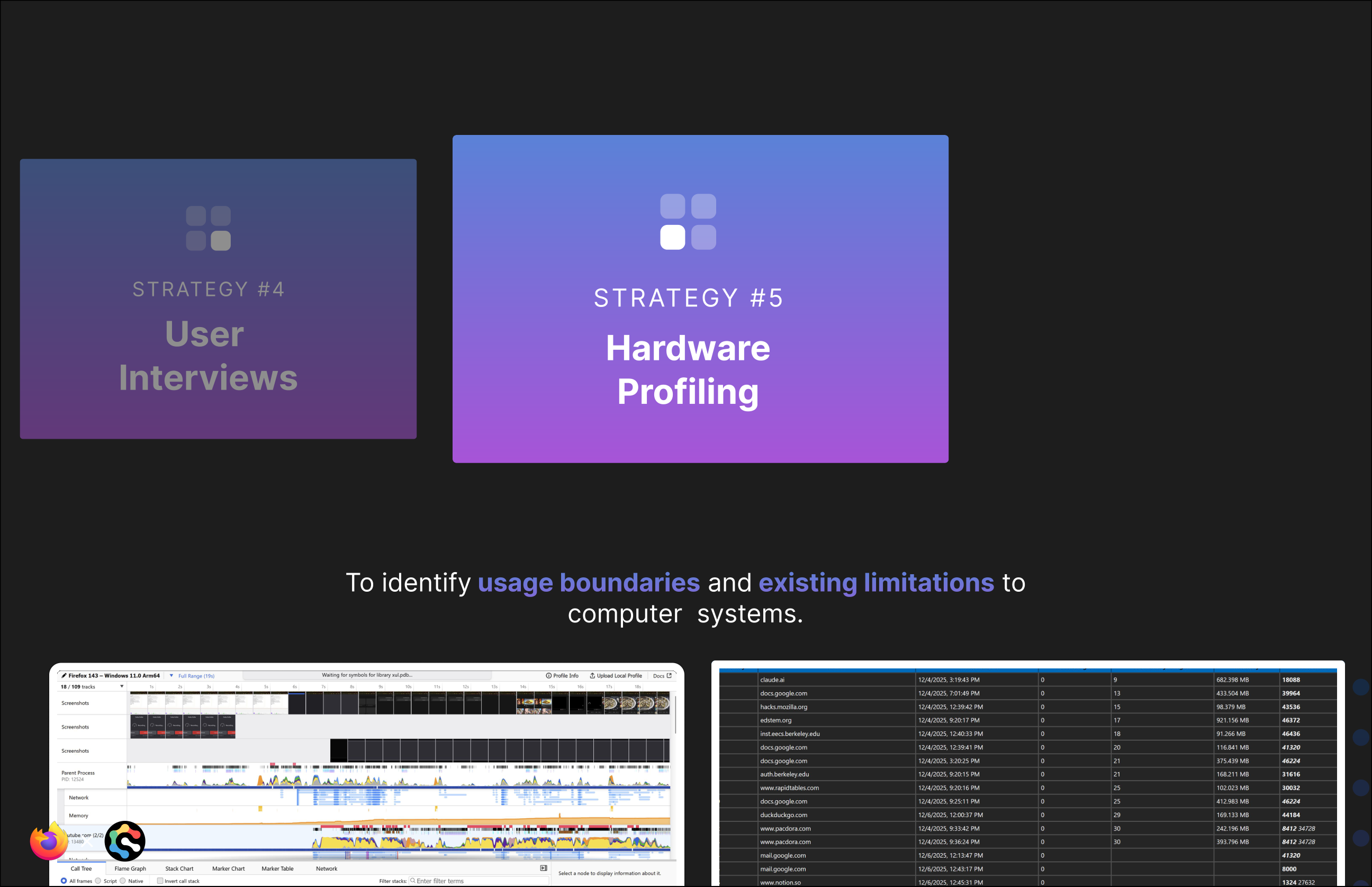
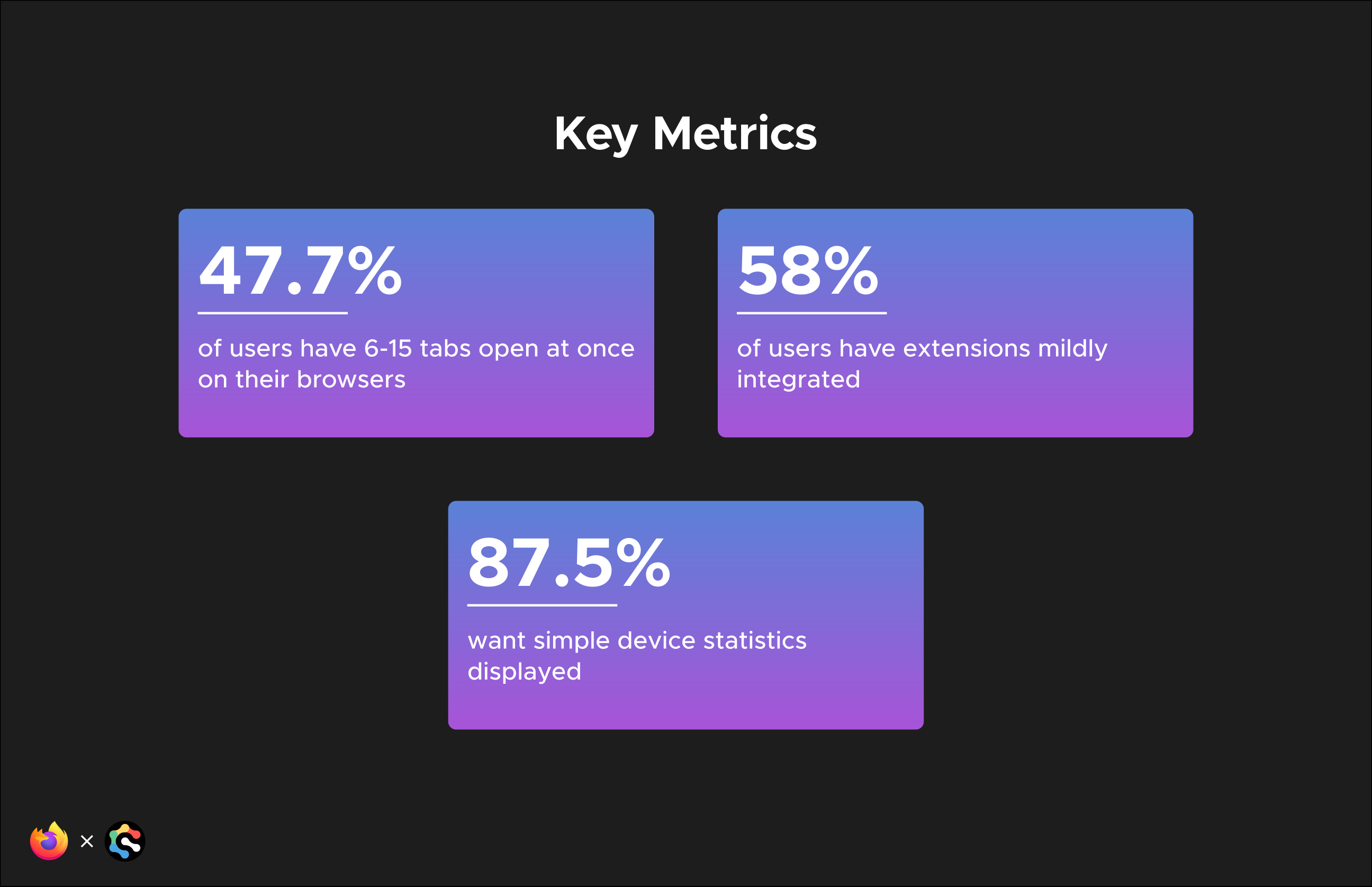
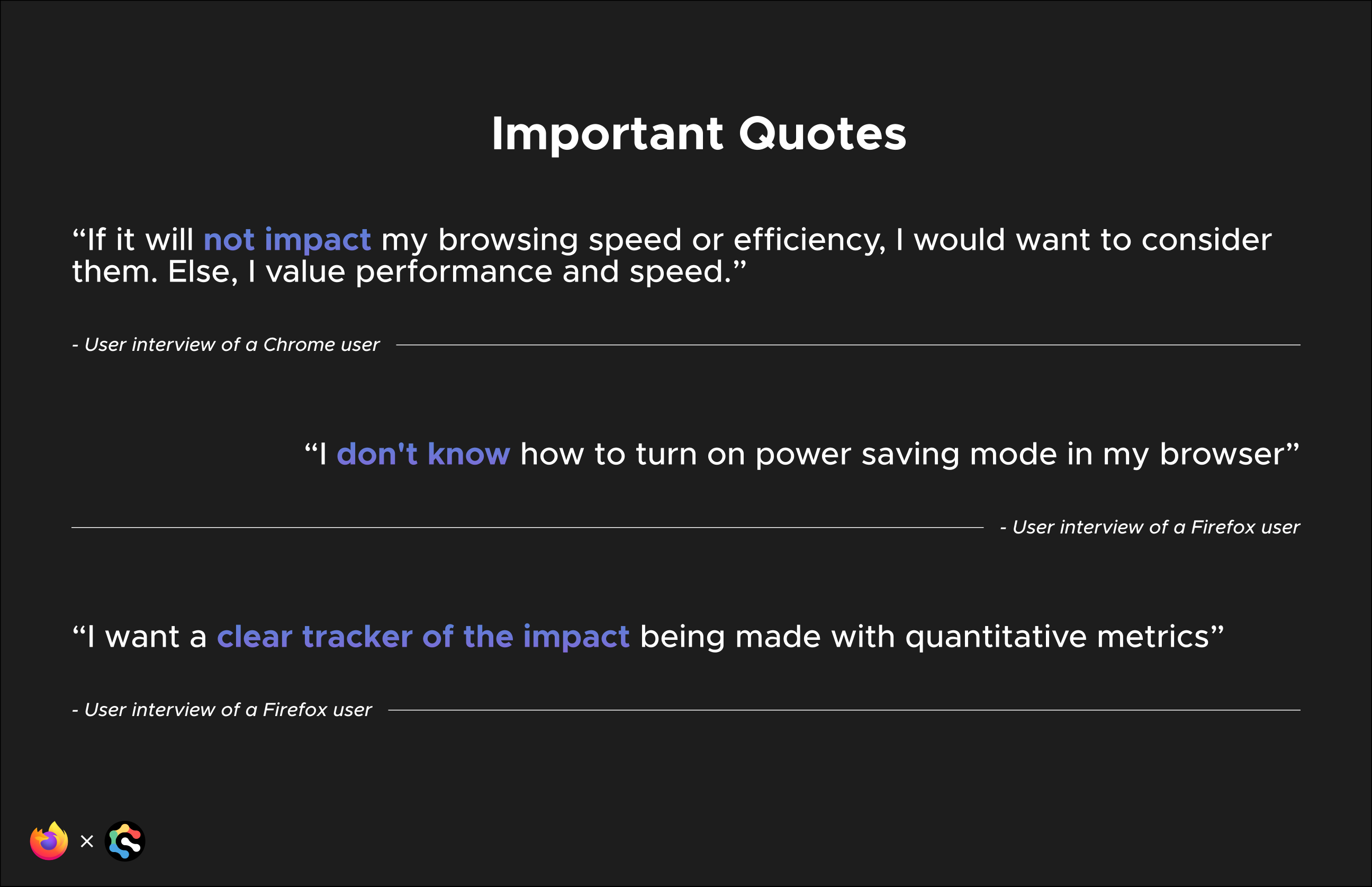
The team ran a competitive and internal audit, an 88-response user survey, and 15 user interviews, then profiled hardware limitations across low-, mid-, and high-end machines. Together, these methods surfaced how people actually use tabs, extensions, and power settings day to day. From there, the team distilled a few key metrics:
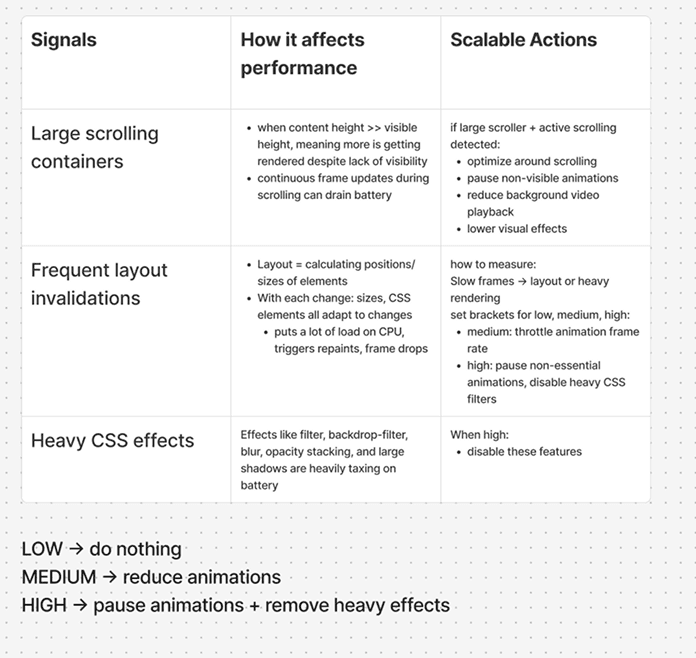
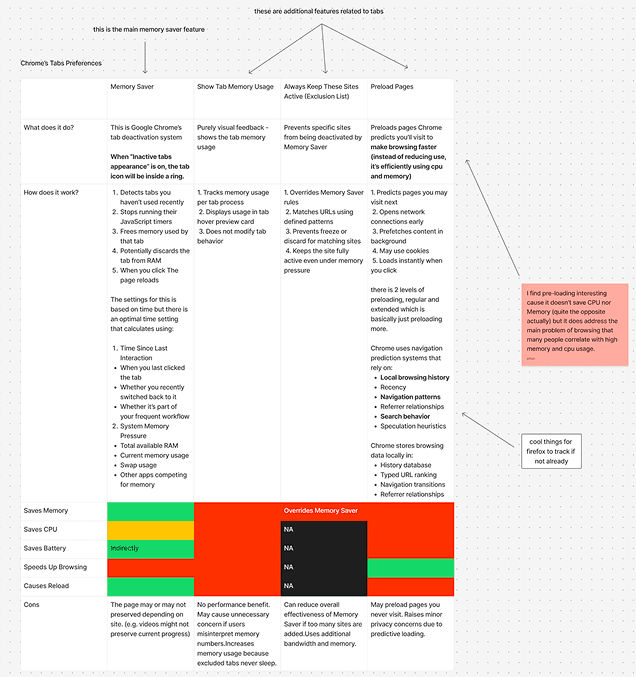
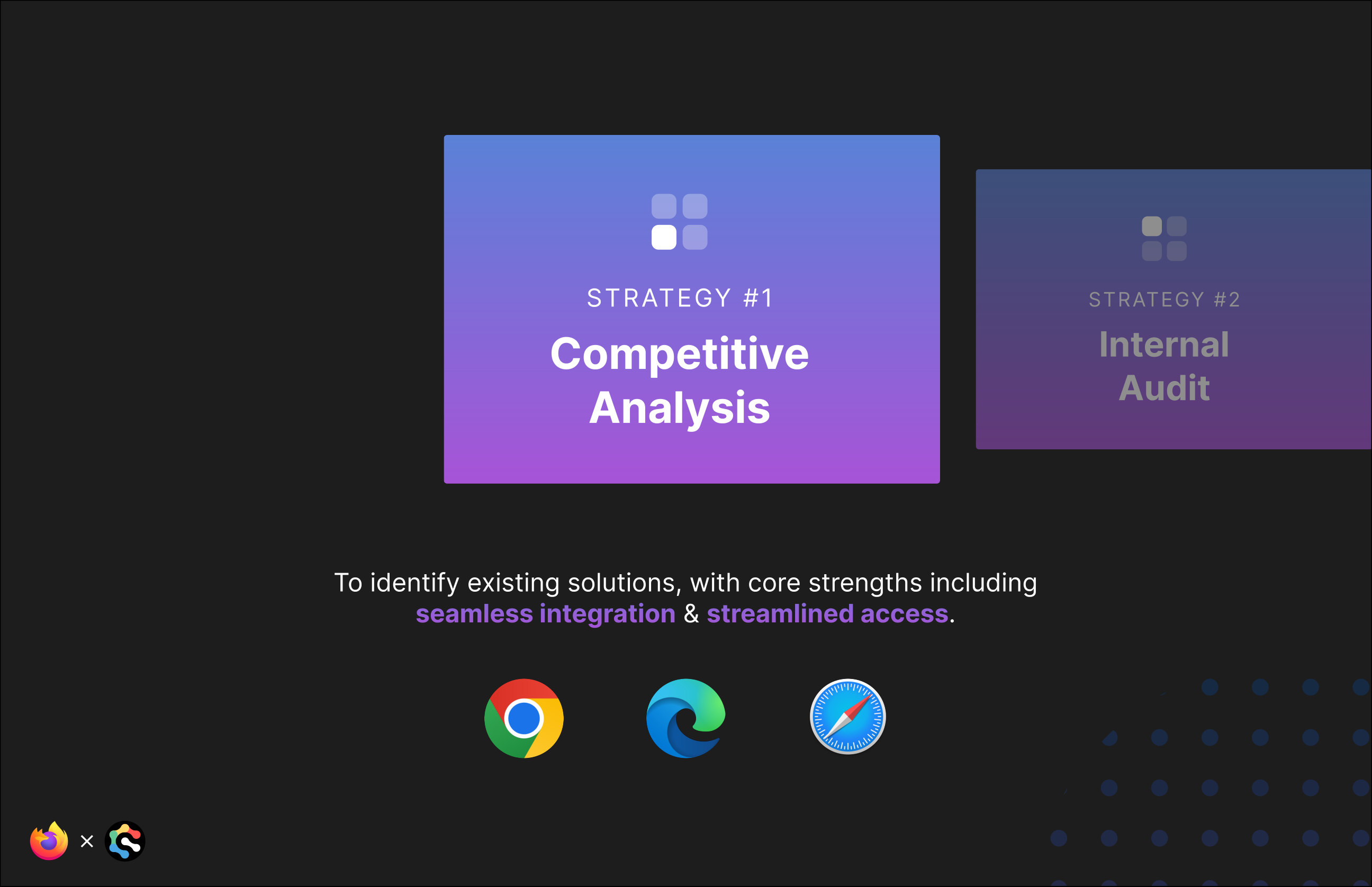
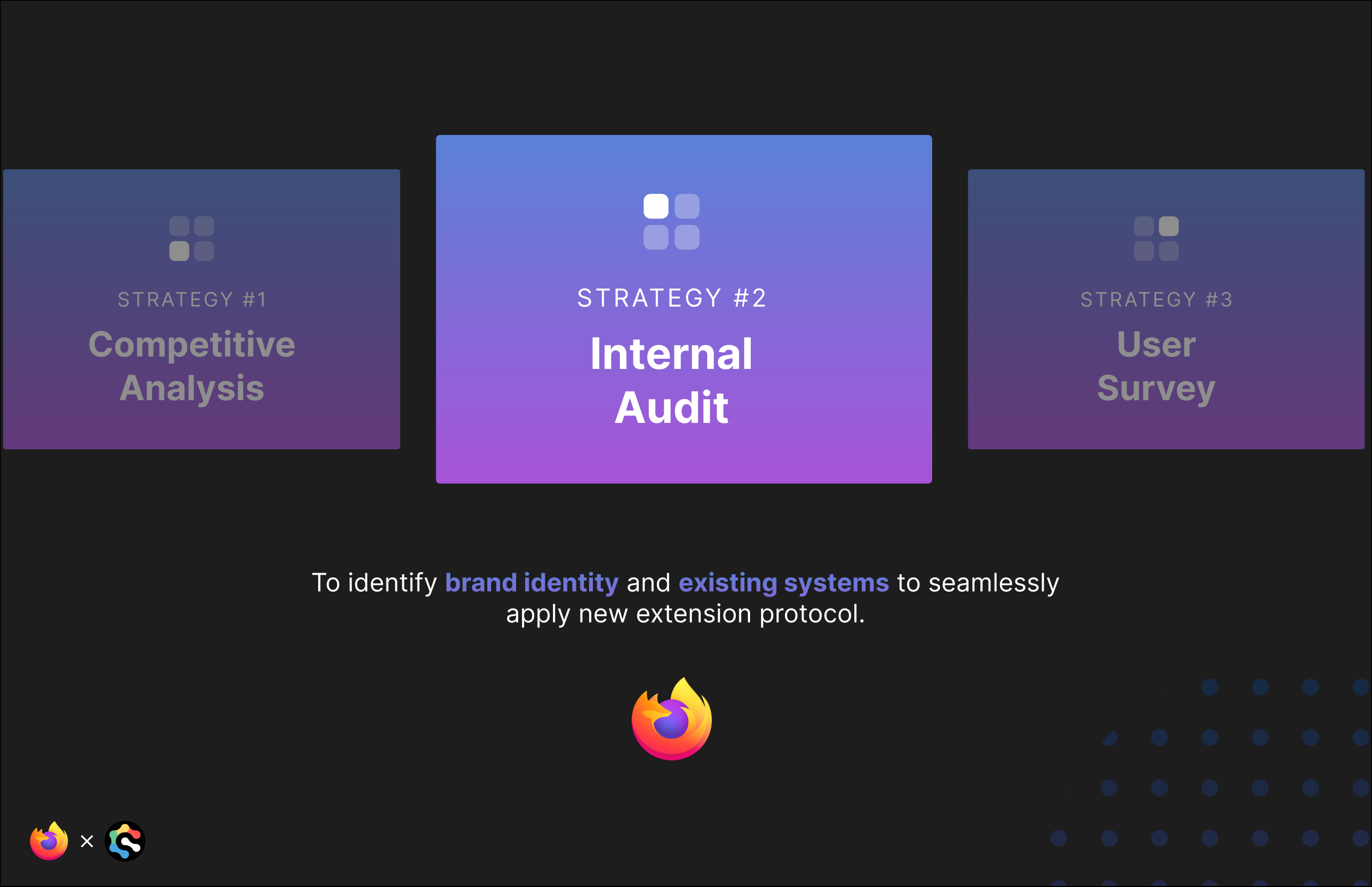
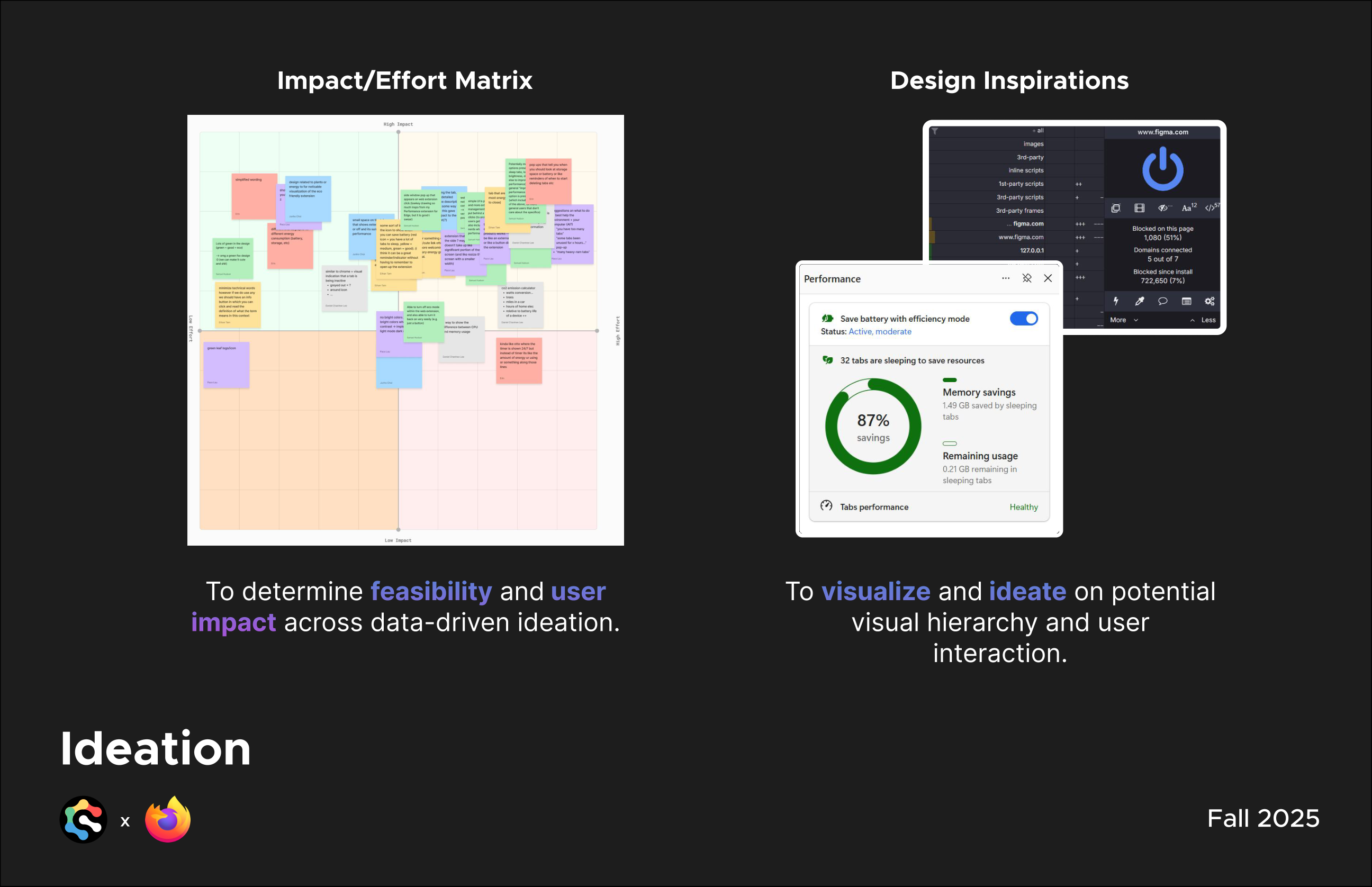
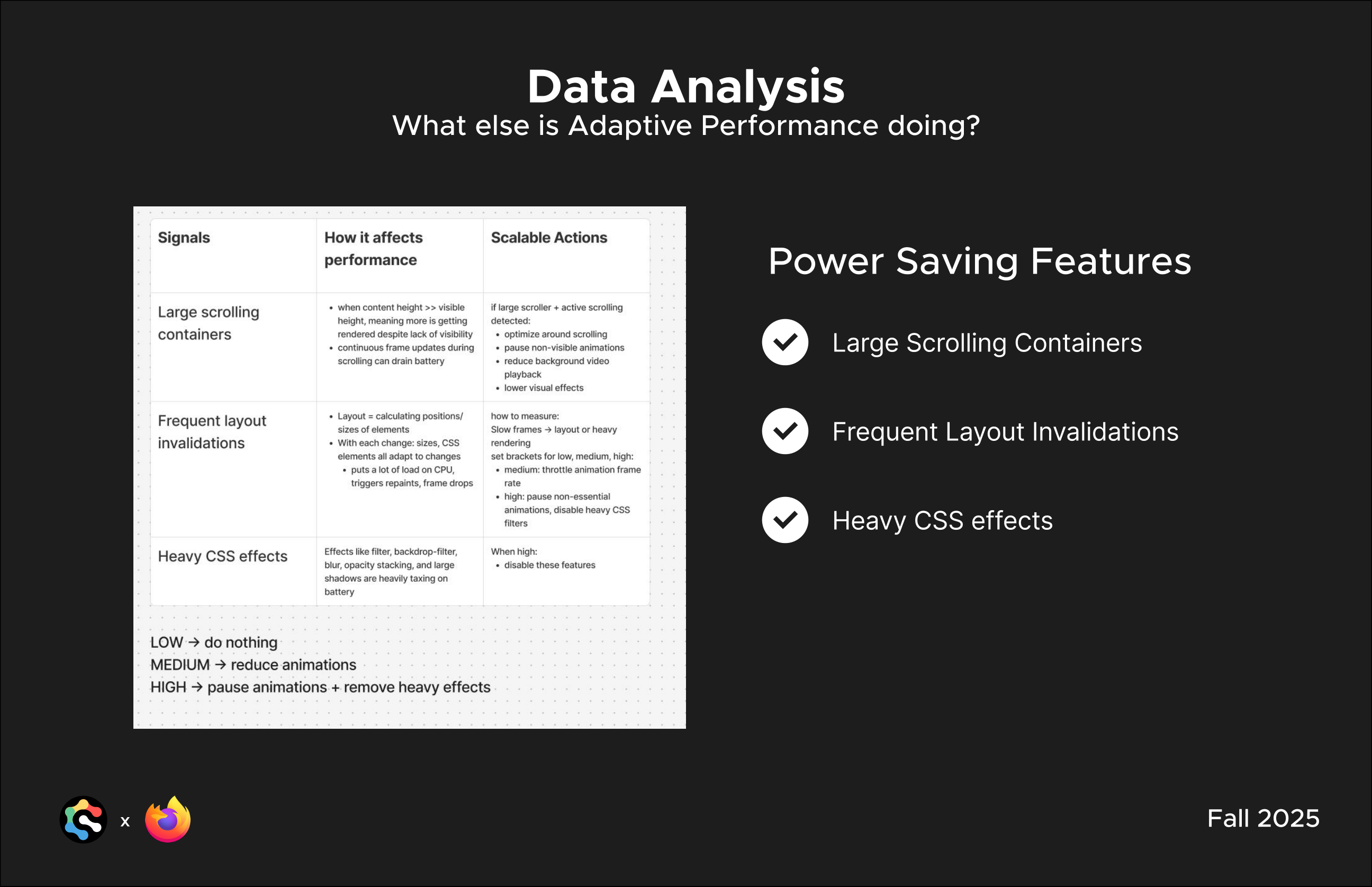
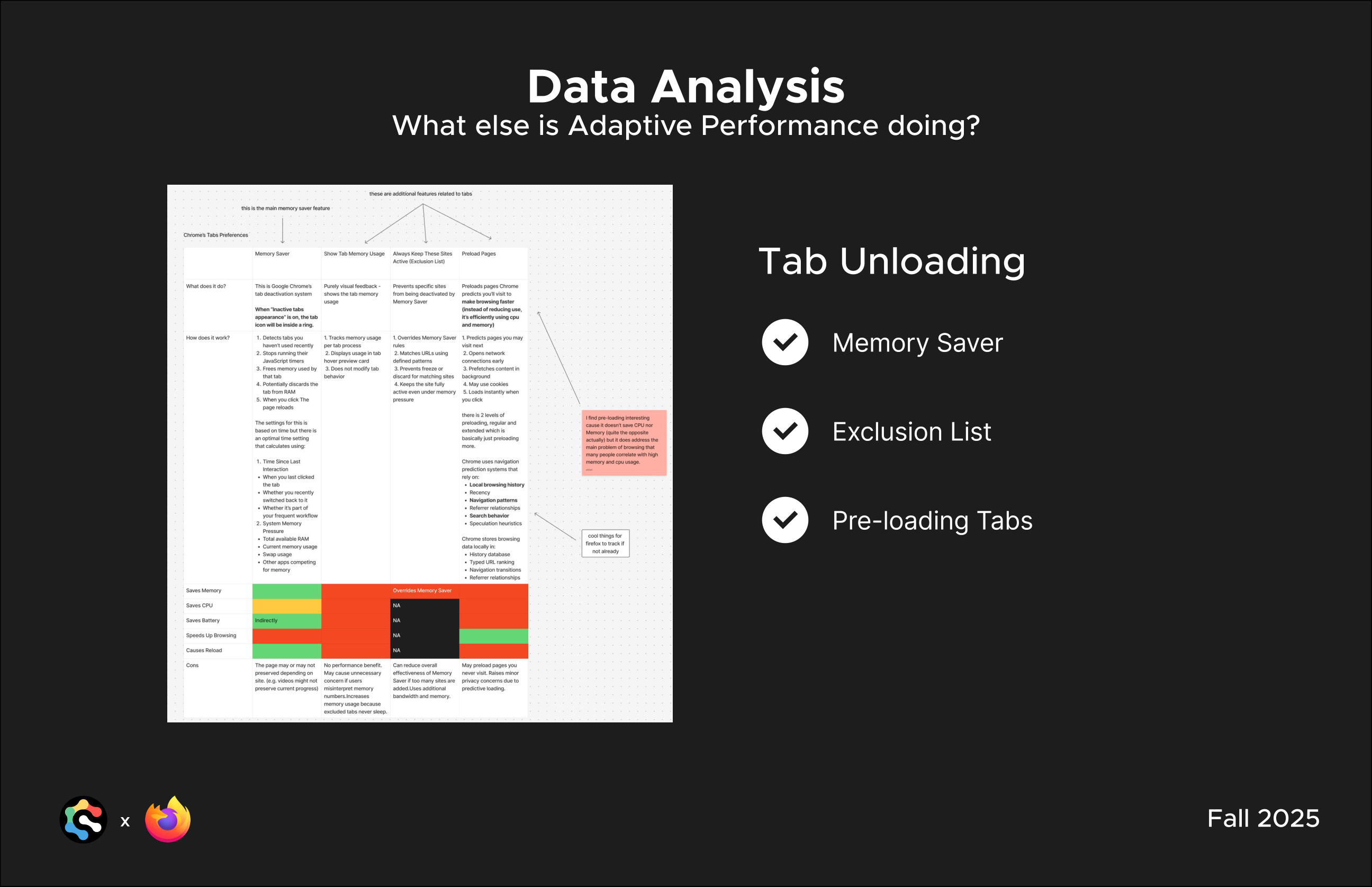
Internal audit mapping performance signals to scalable, threshold-based actions, alongside a competitive audit of Chrome’s tab management evaluated for Firefox.
of users have 6–15 tabs open at once on their browsers
of users have extensions mildly integrated into their workflow
want simple device statistics displayed
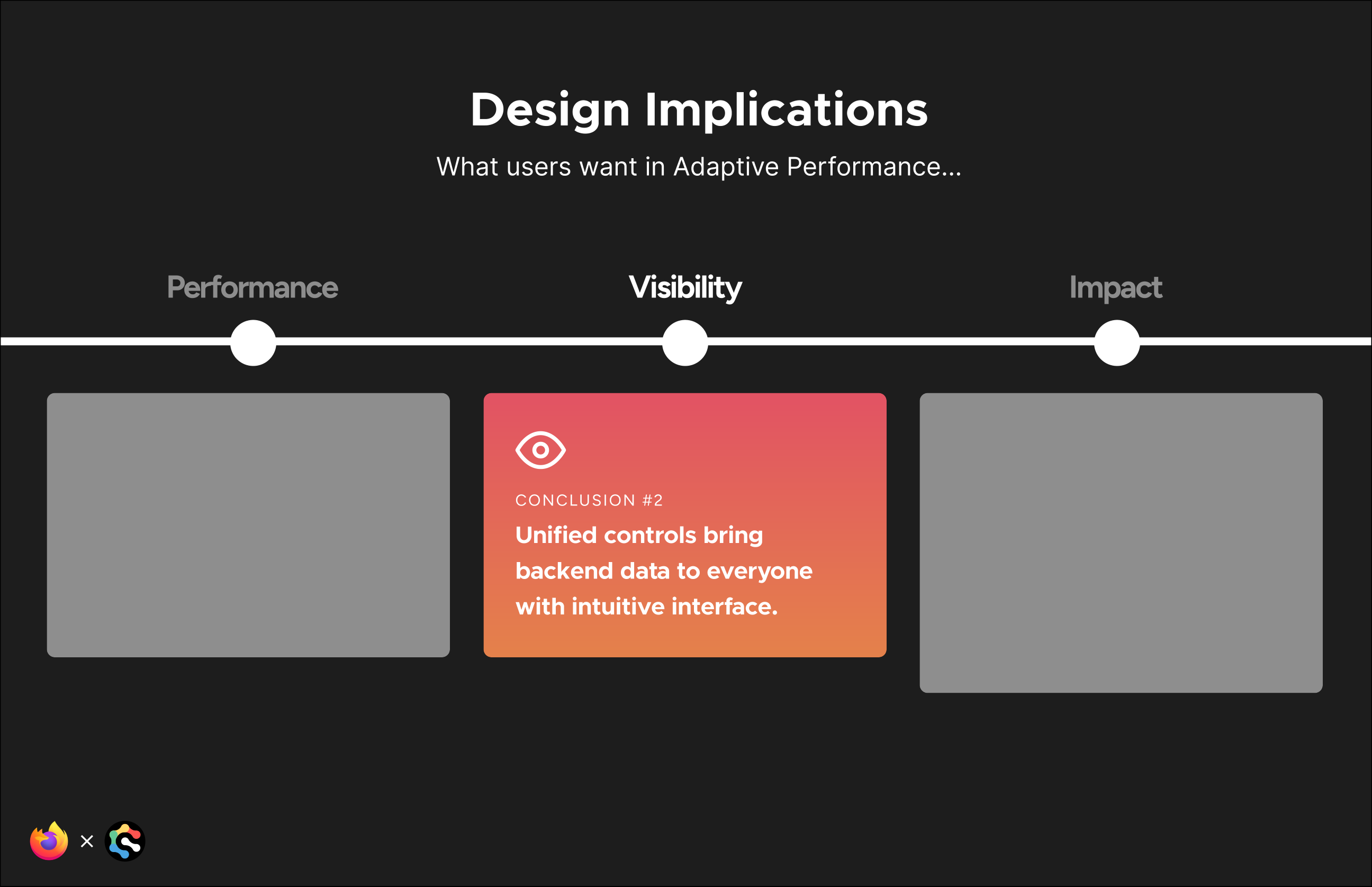
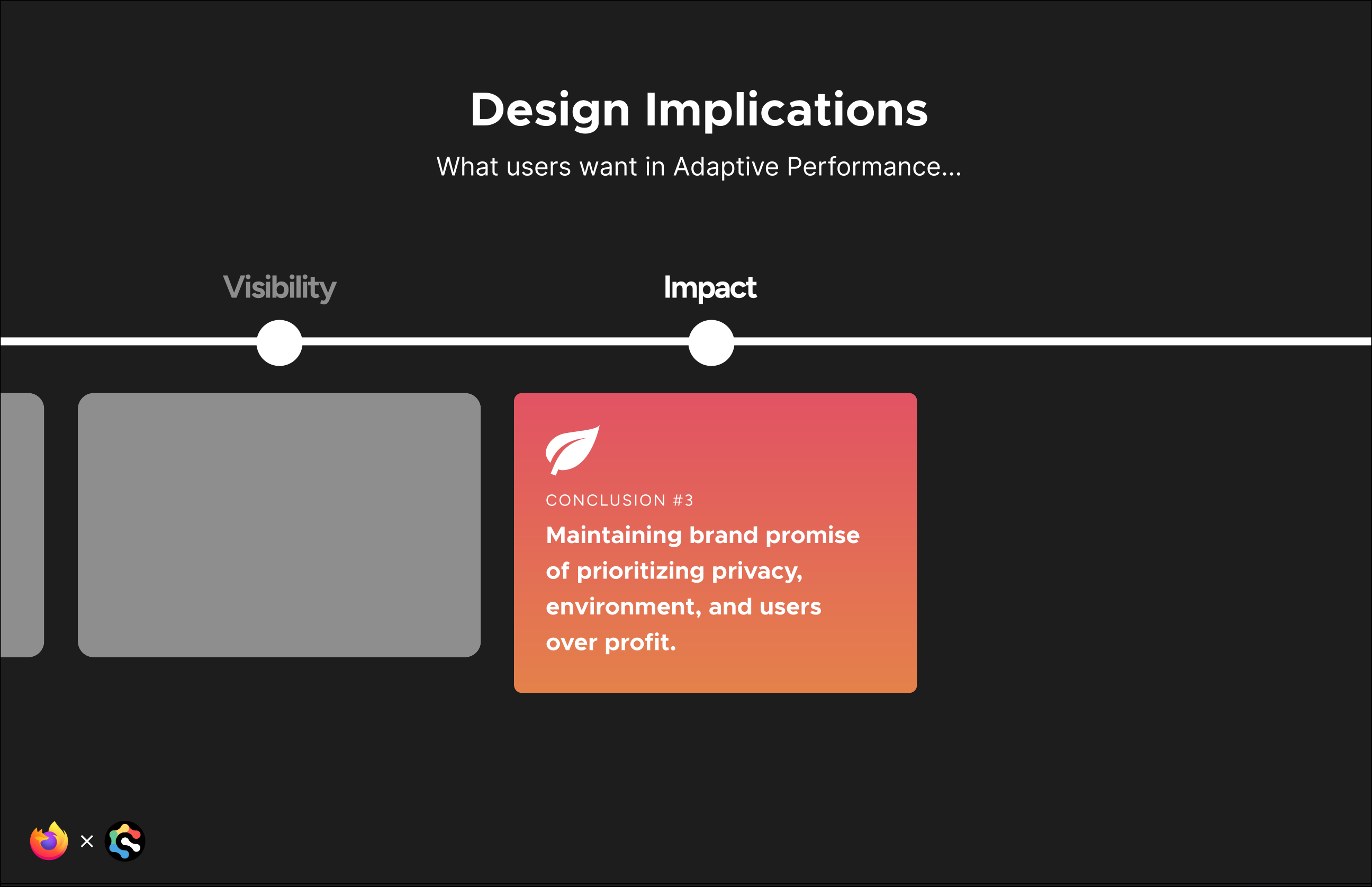
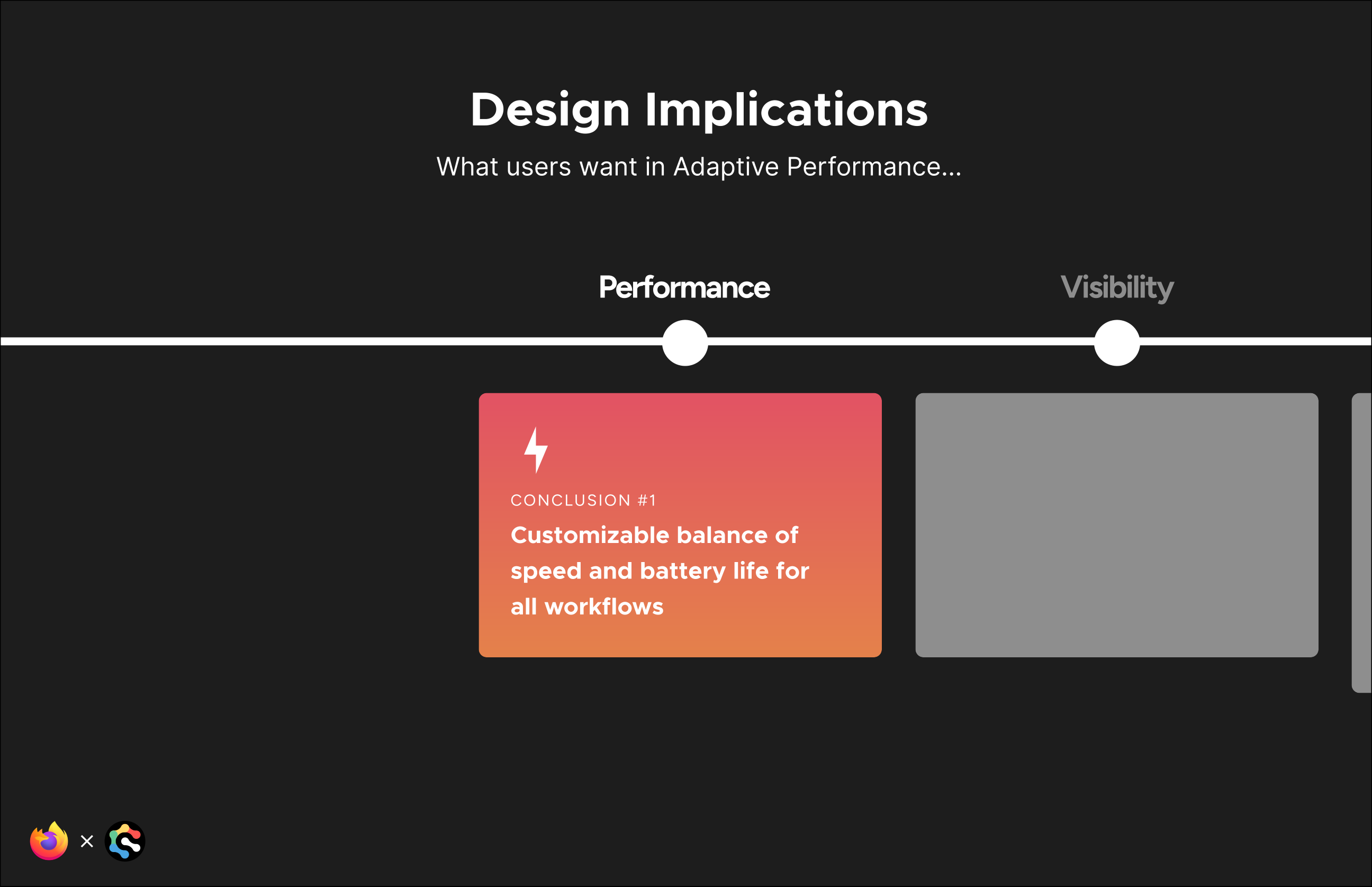
What users want in Adaptive Performance:
Performance
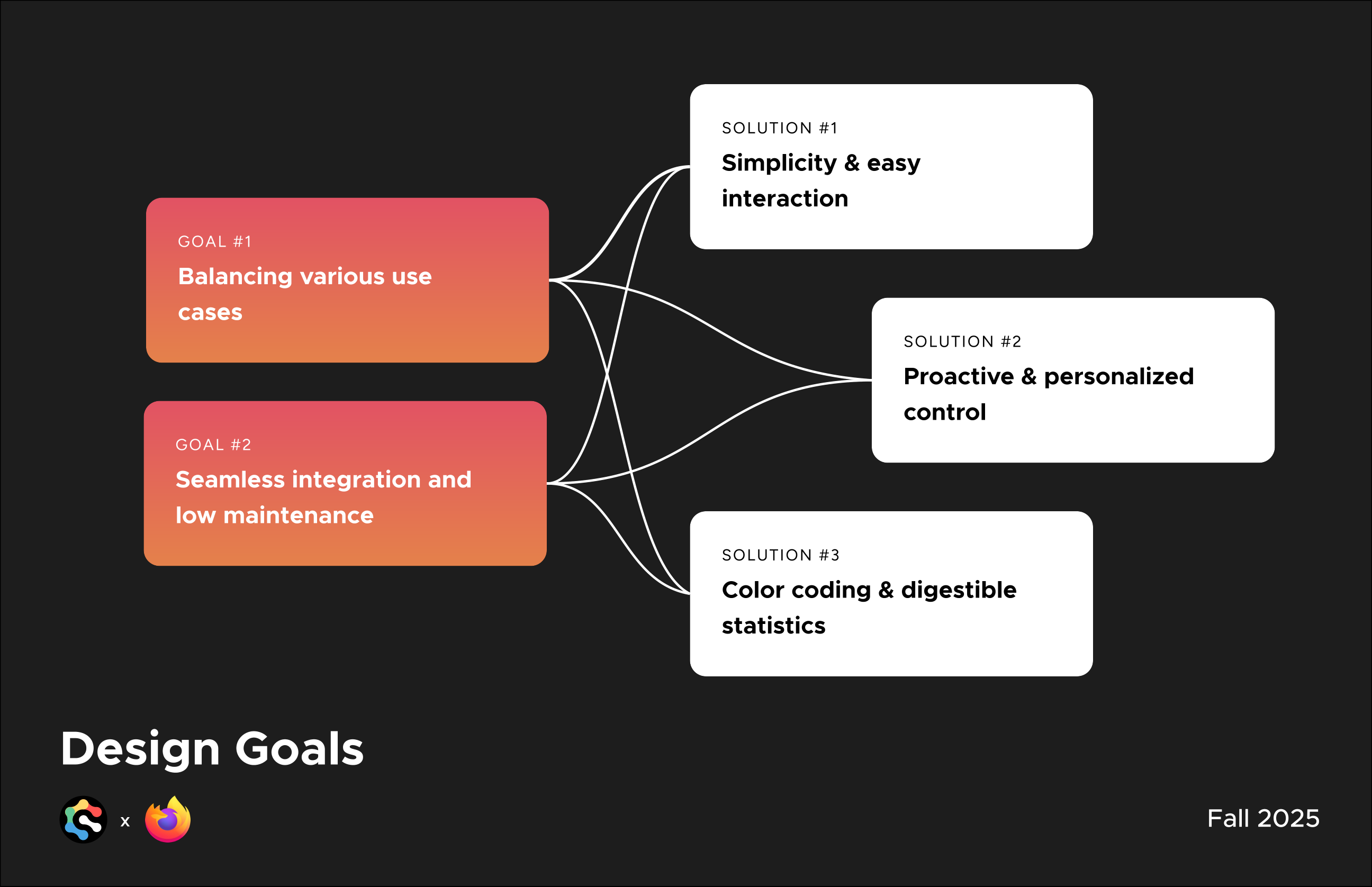
Customizable balance of speed and battery life for all workflows.
Visibility
Unified controls that bring backend data to everyone with an intuitive interface.
Impact
Maintaining the brand promise of prioritizing privacy, environment, and users over profit.
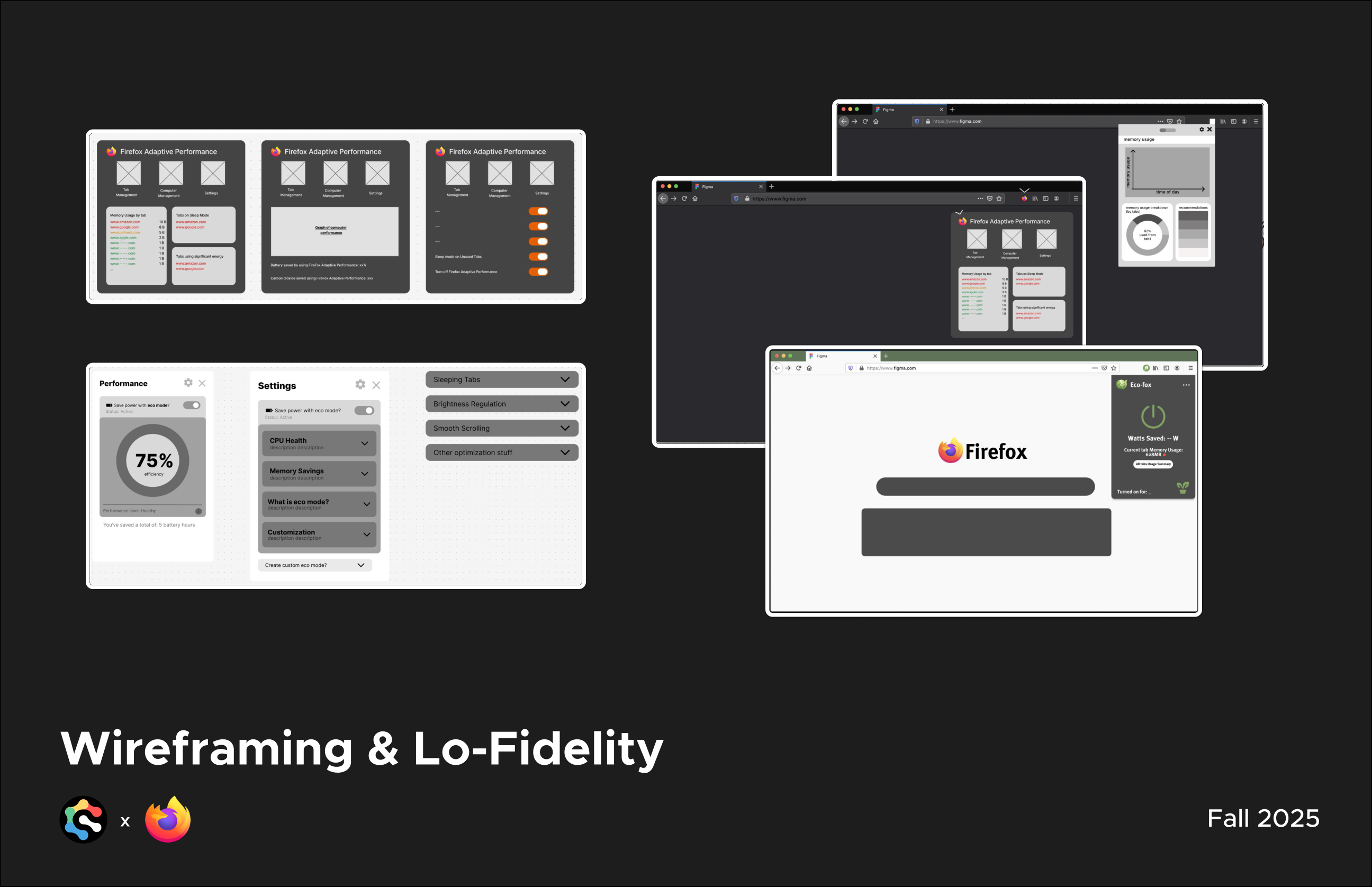
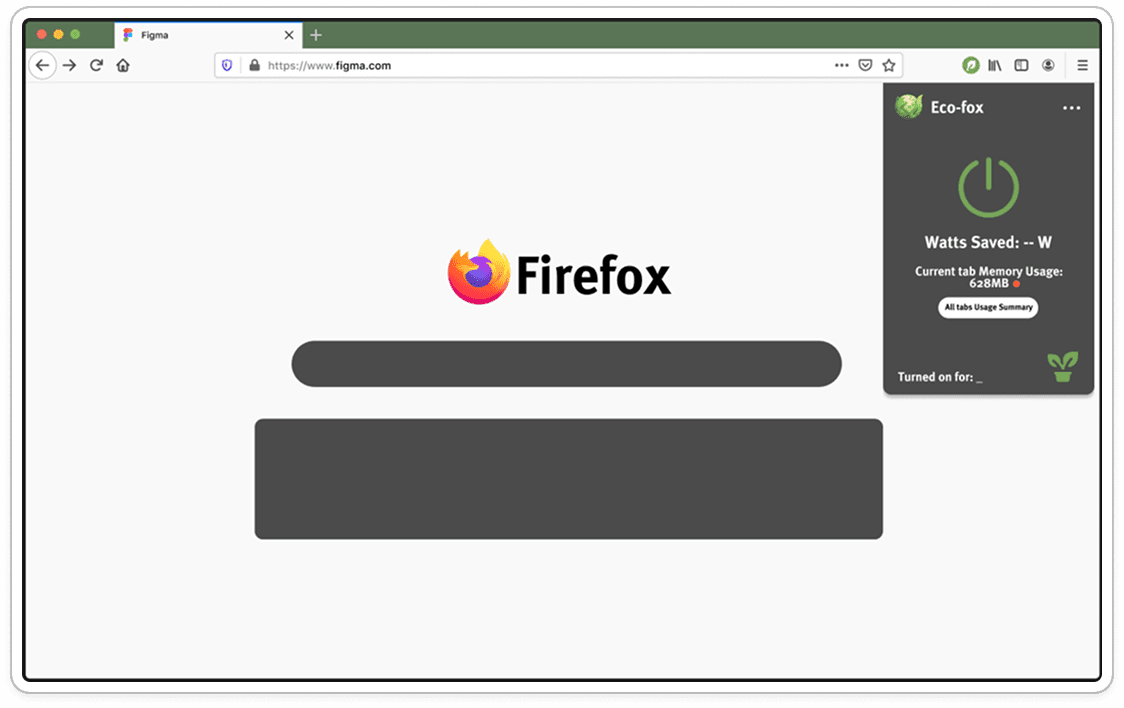
Together with the team, I helped design and produce the wireframes and lo-fidelity prototypes that explored visual hierarchy and interaction across the extension’s core screens:
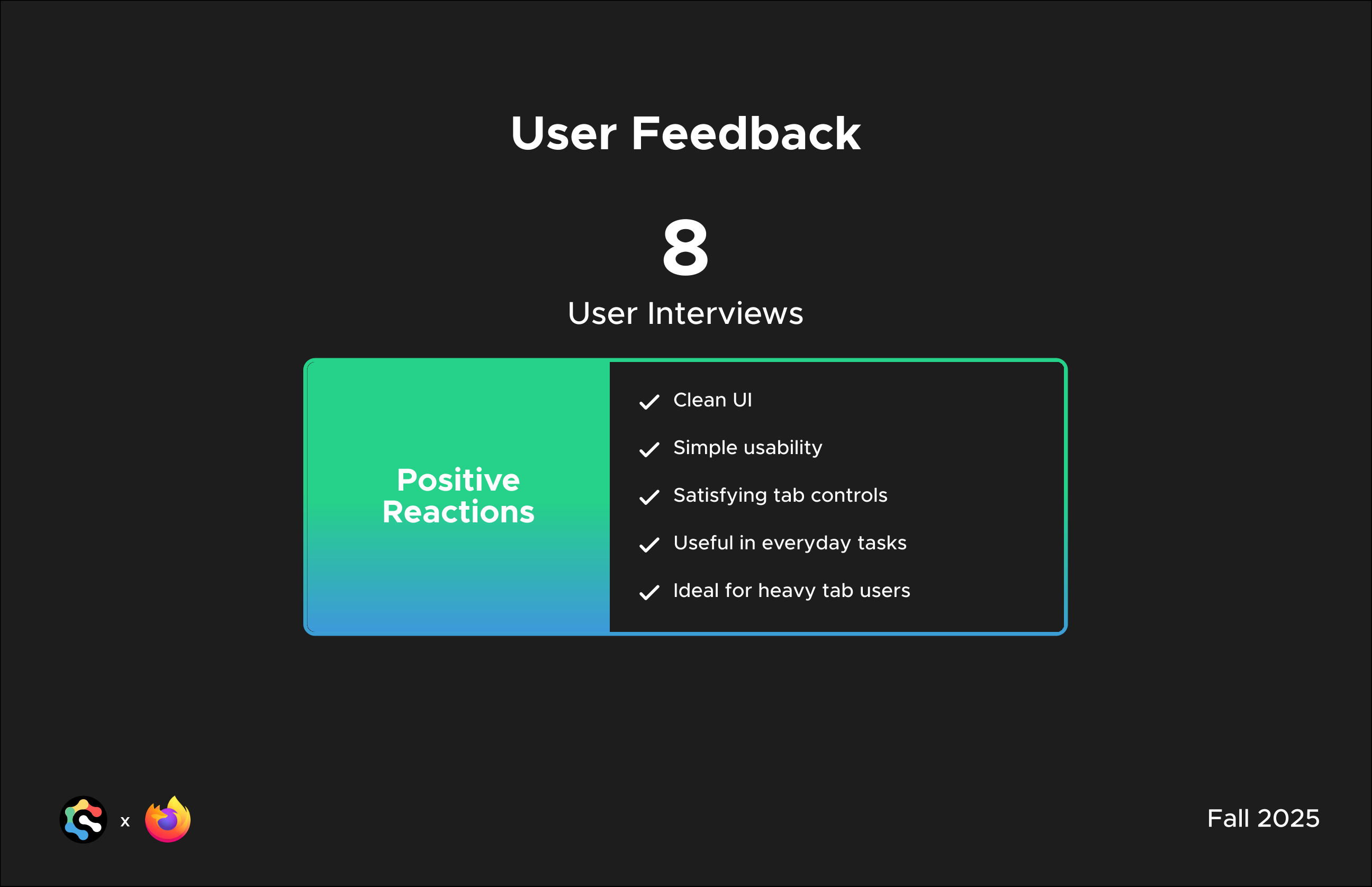
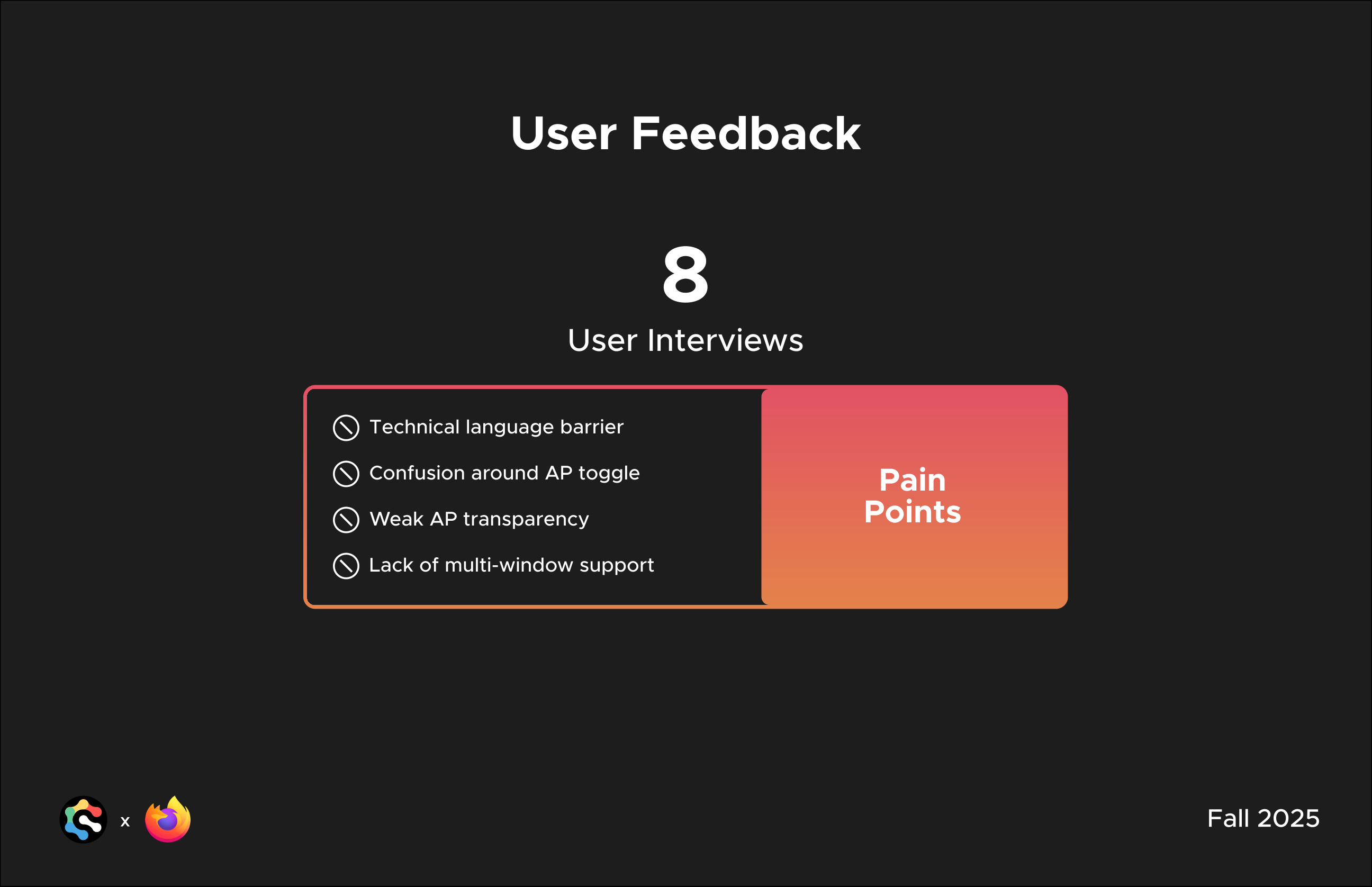
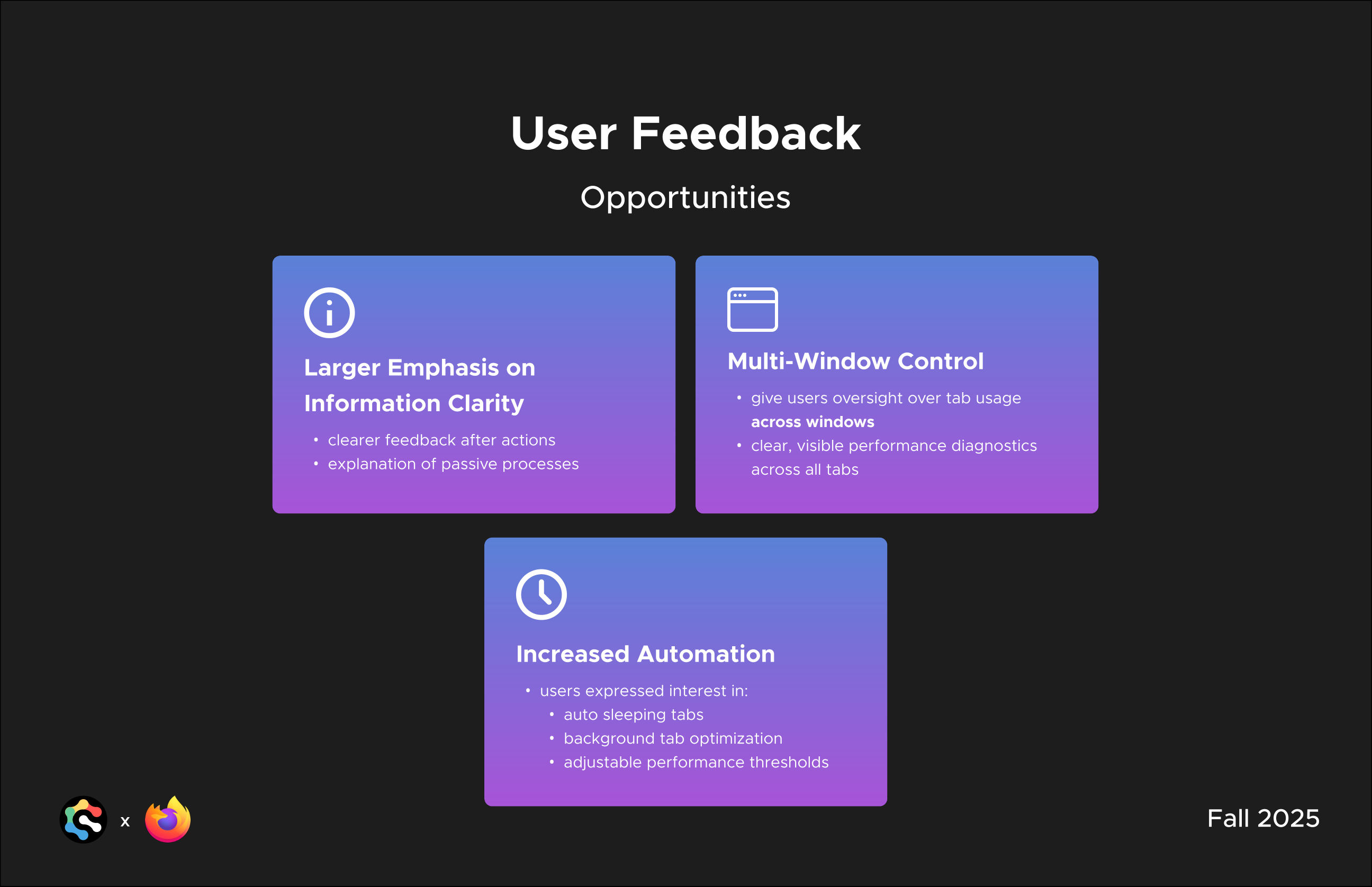
Feedback gathered from 8 follow-up user interviews shaped the next round of design, pointing toward multi-window control, clearer in-the-moment feedback, and more automation like auto-sleeping tabs. From these interviews, we identified several major positive reactions and pain points.
Positive Reactions
Pain Points
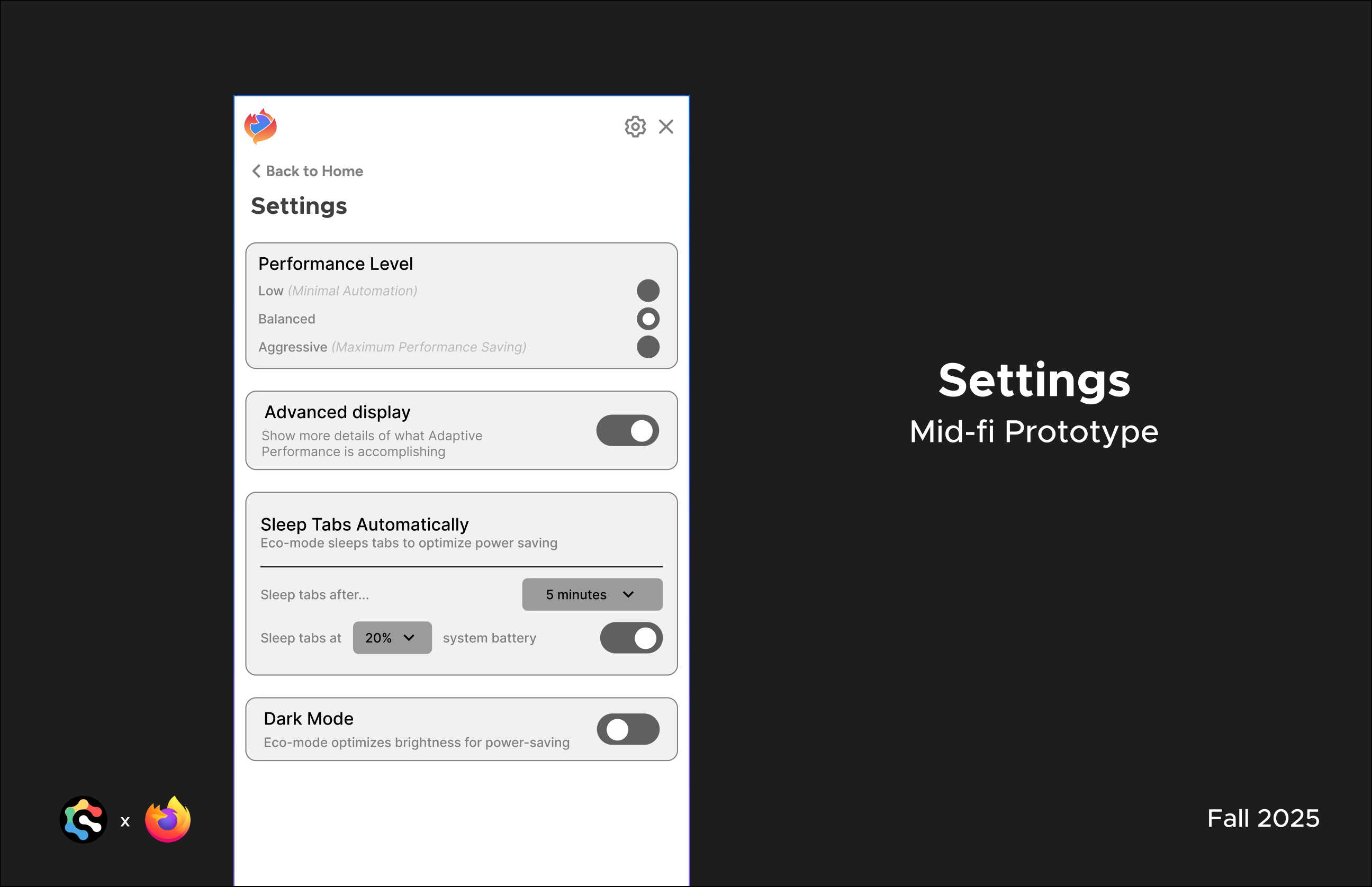
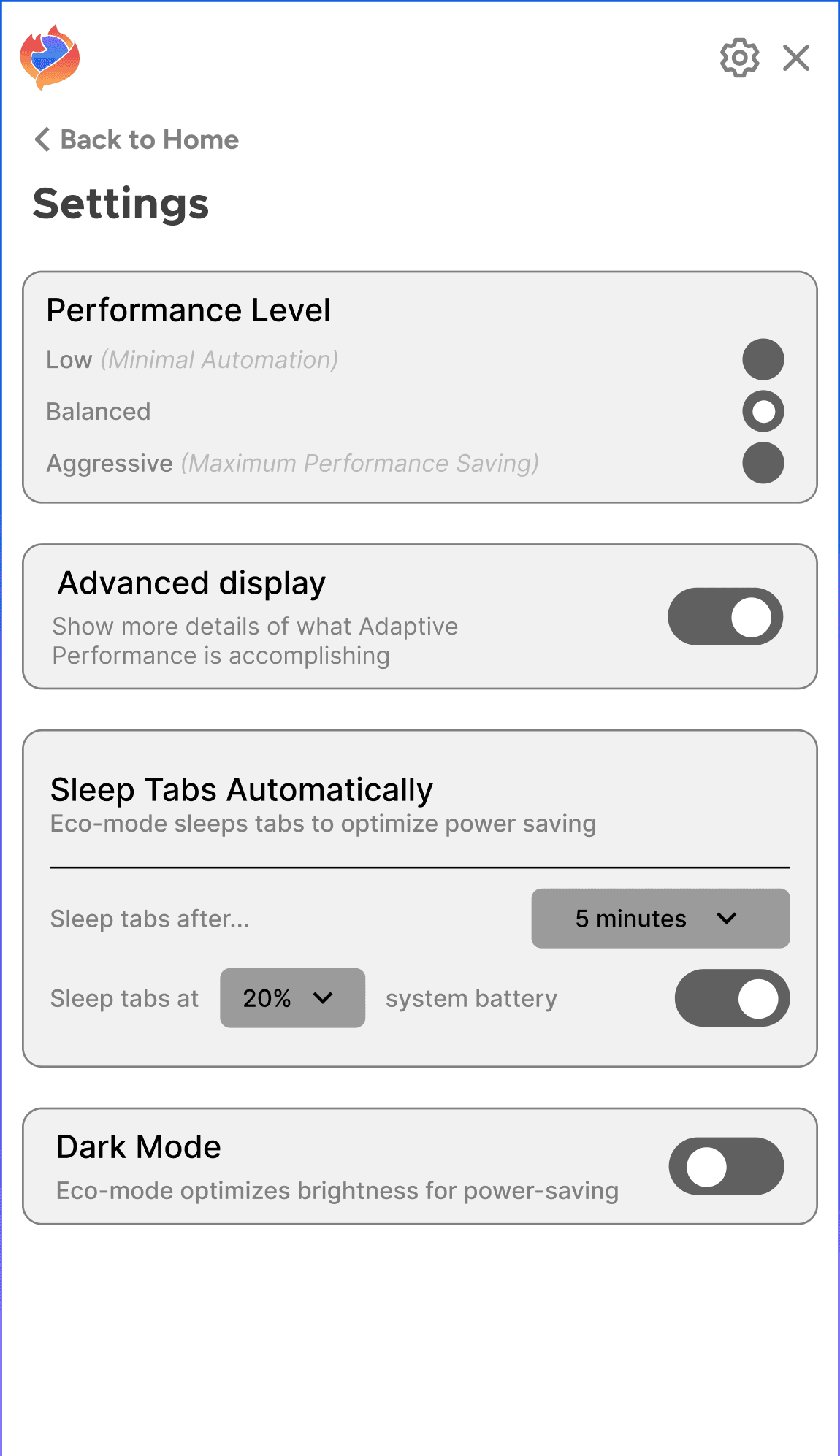
Users also called out a settings page as a high-priority need. Based on feedback, performance levels, advanced display details, automatic tab sleeping thresholds, and dark mode were consolidated into one clear settings surface.
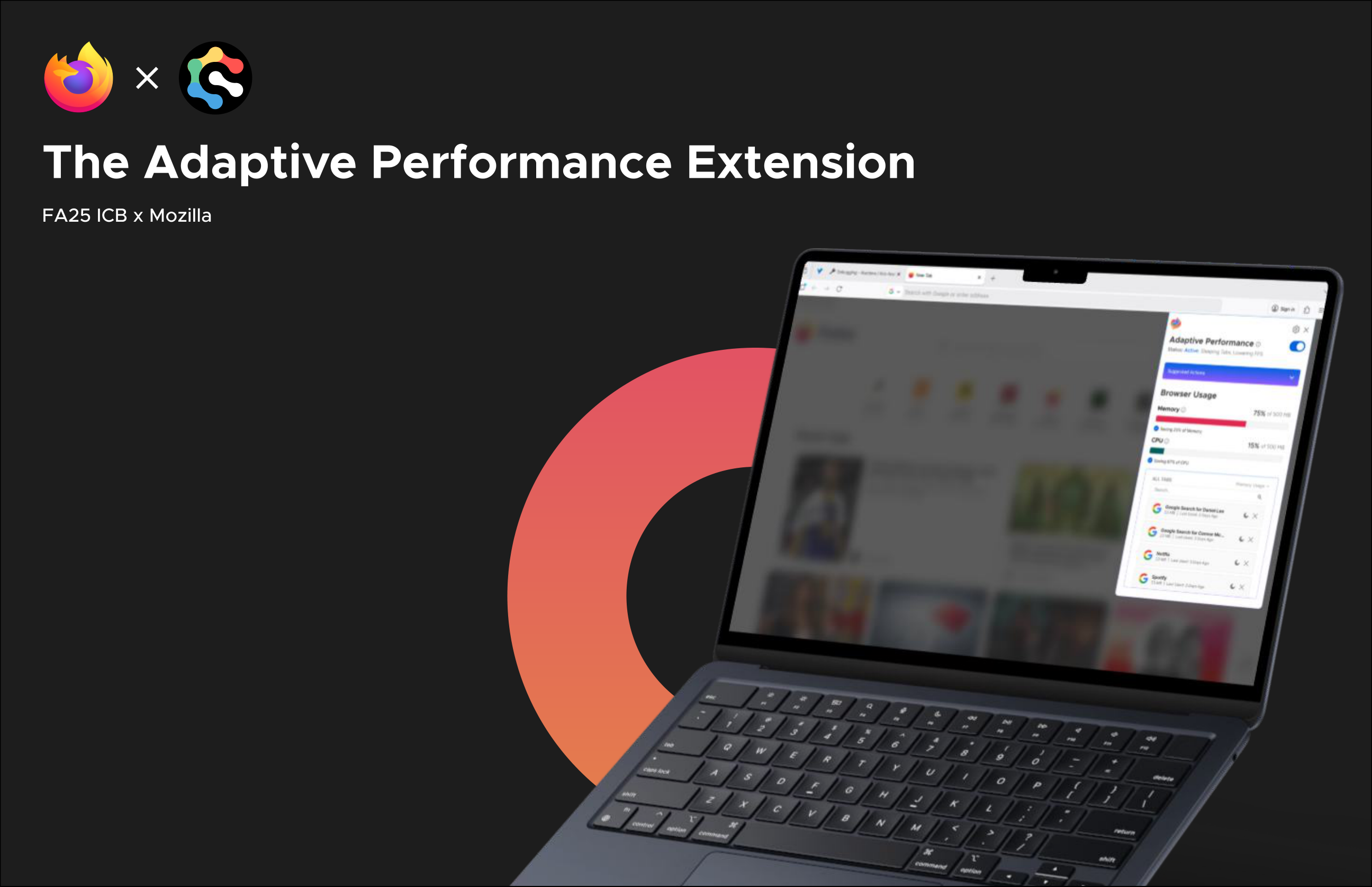
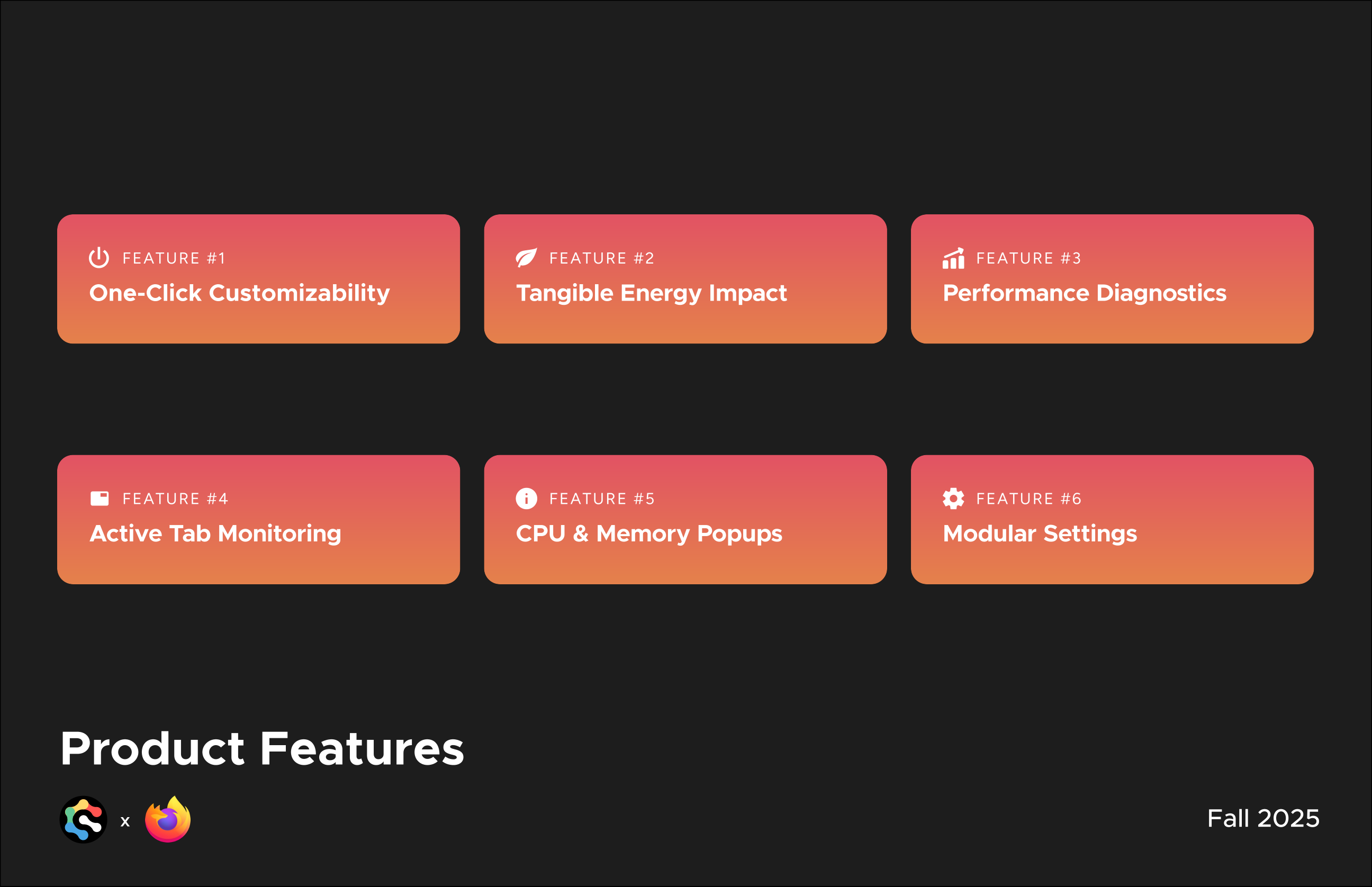
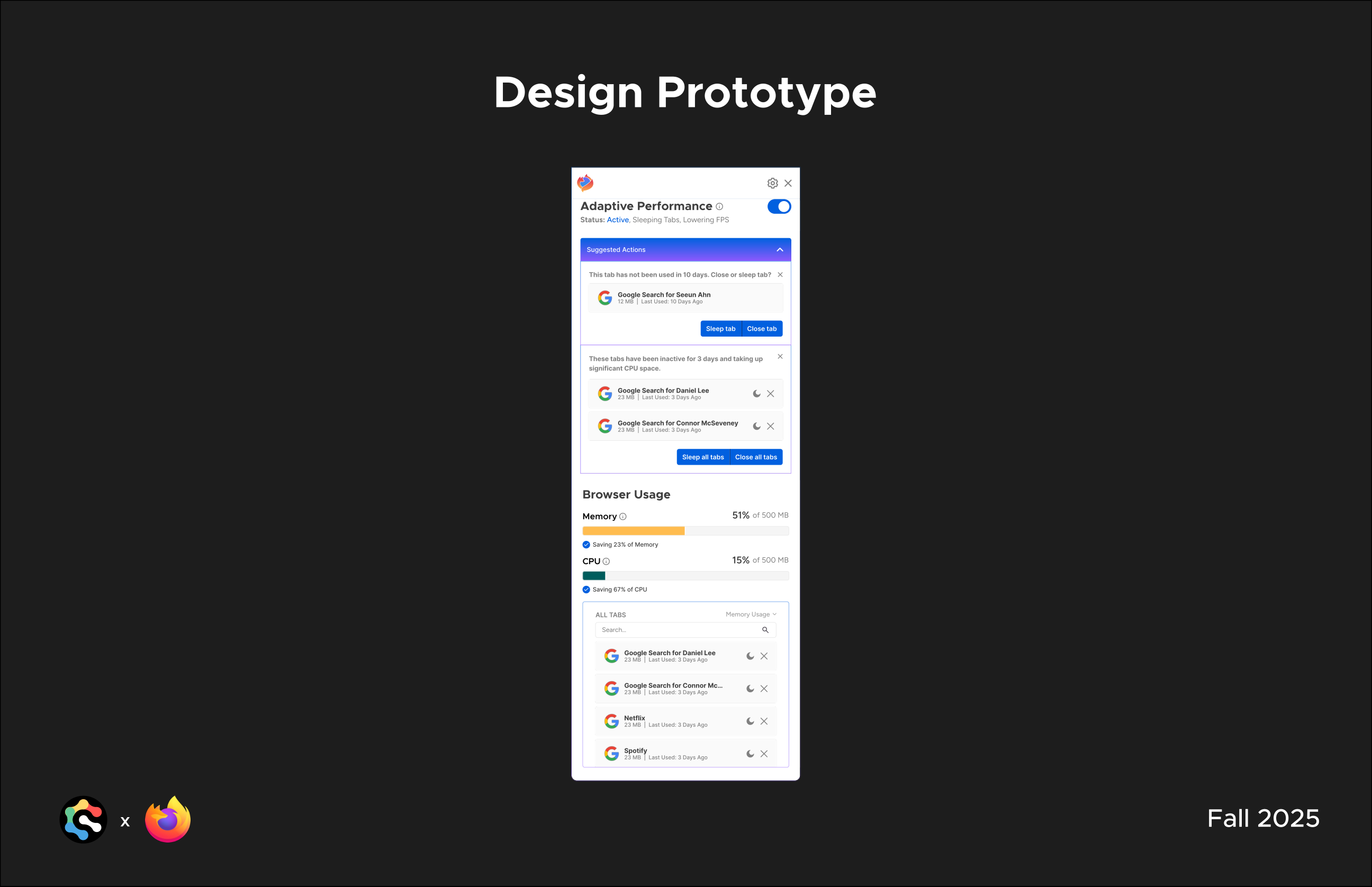
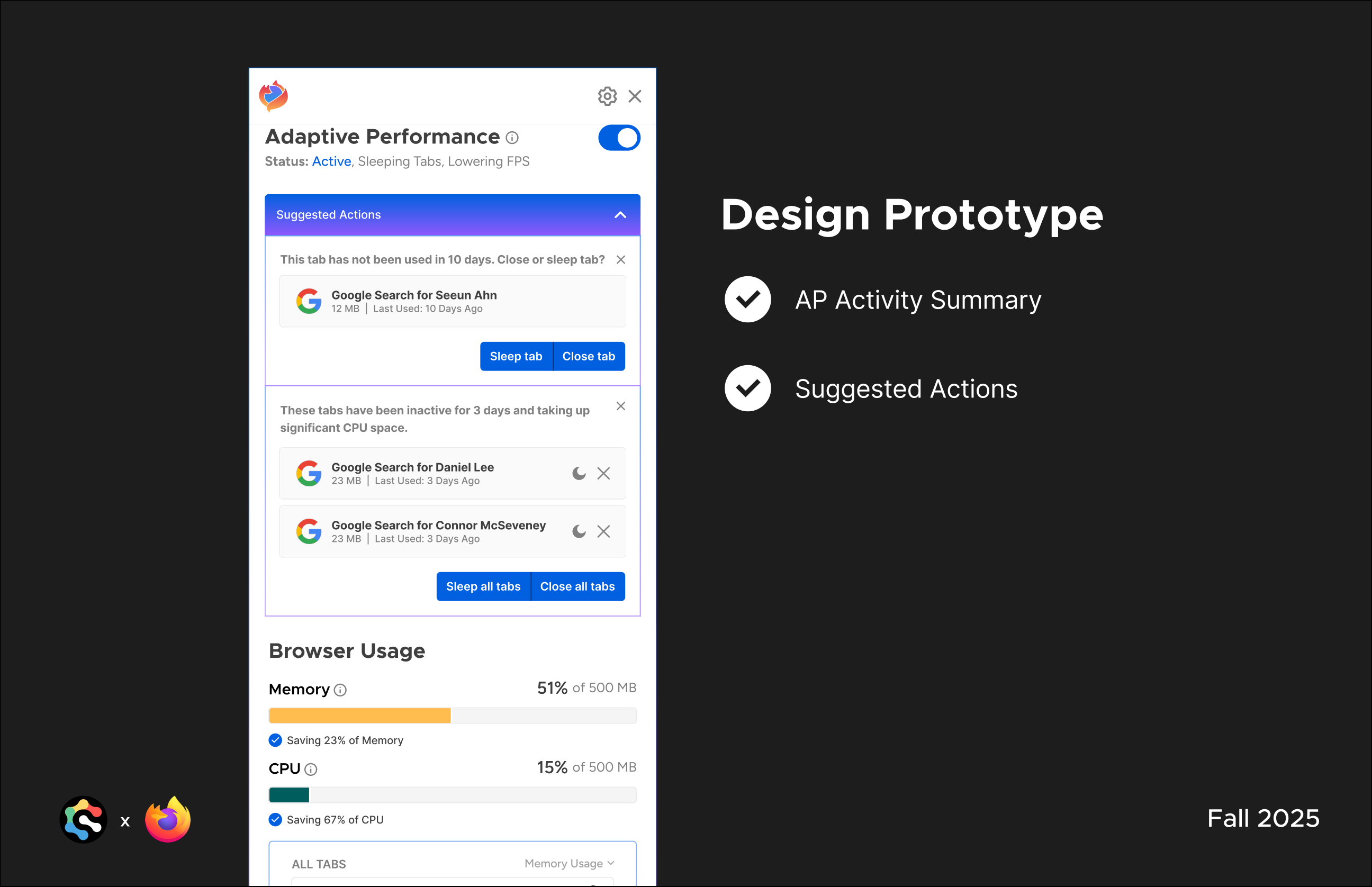
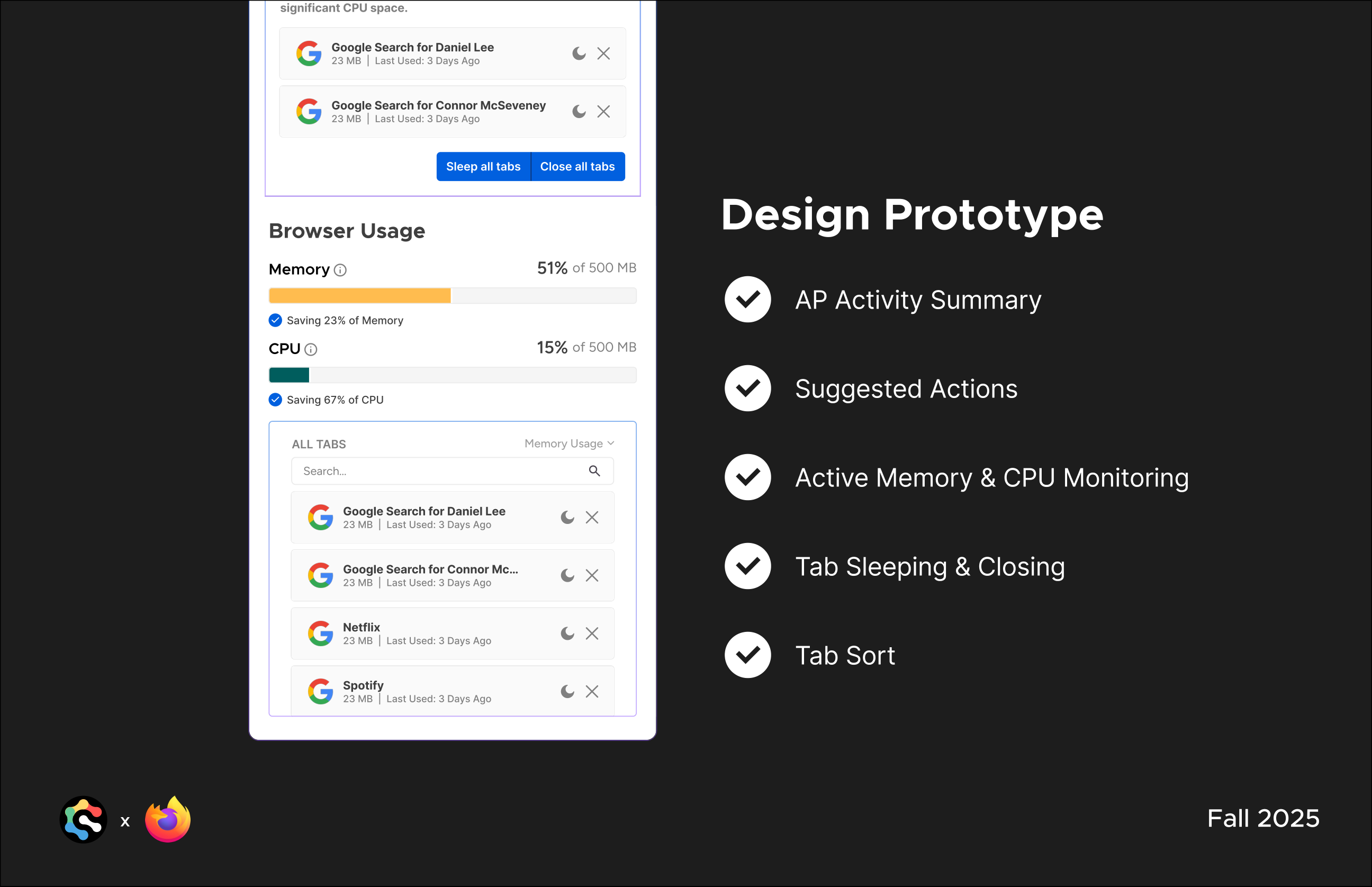
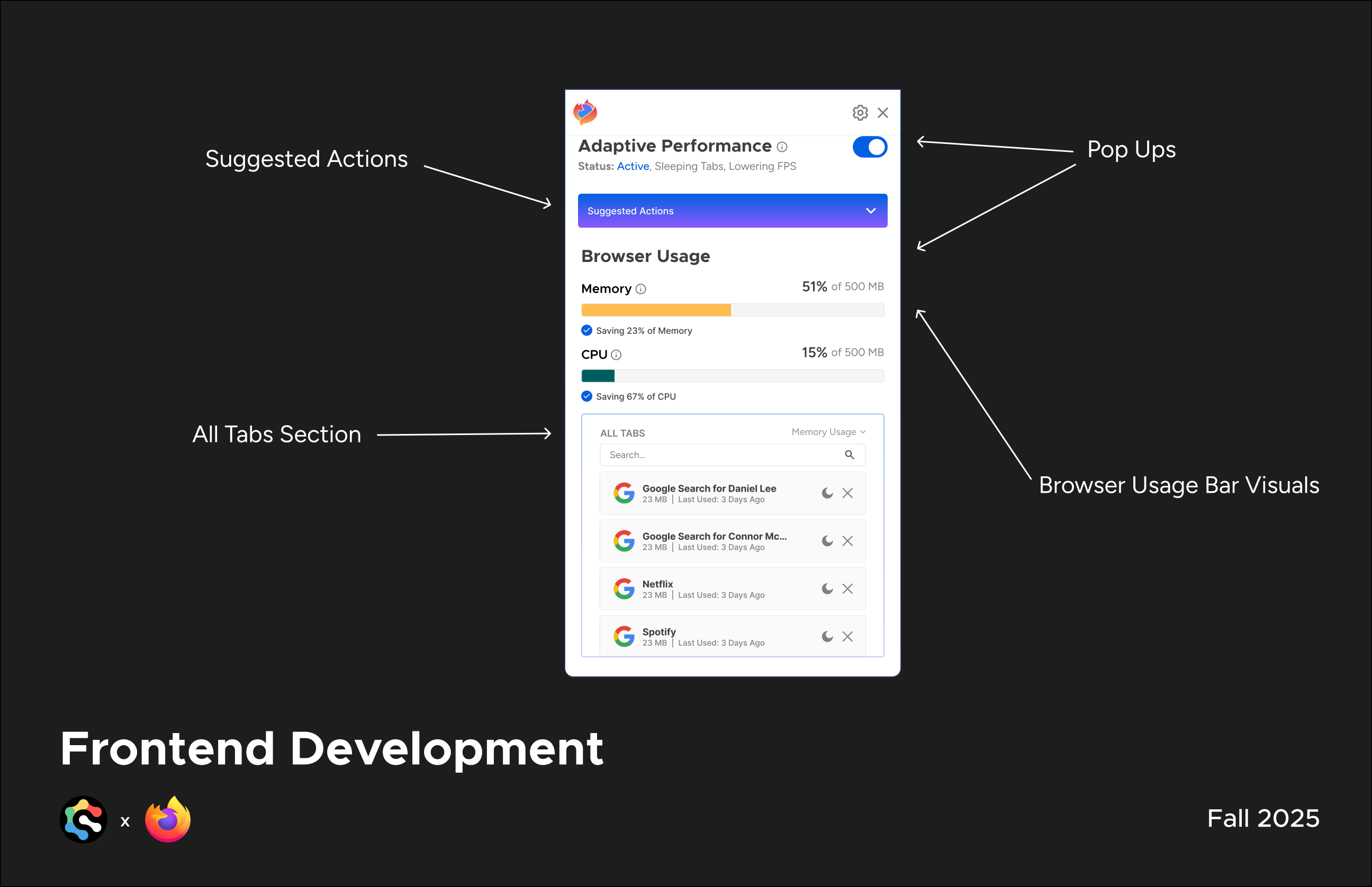
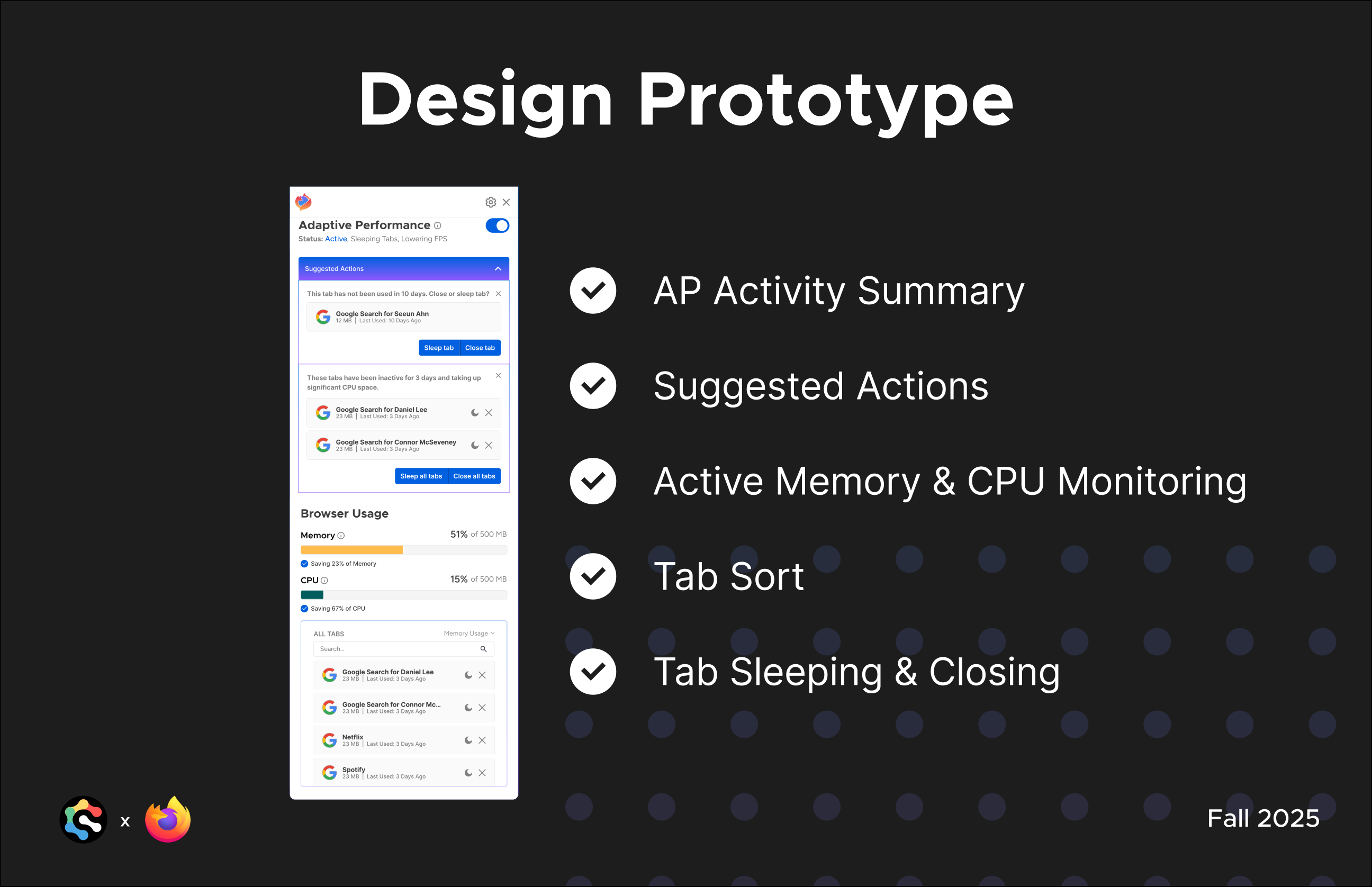
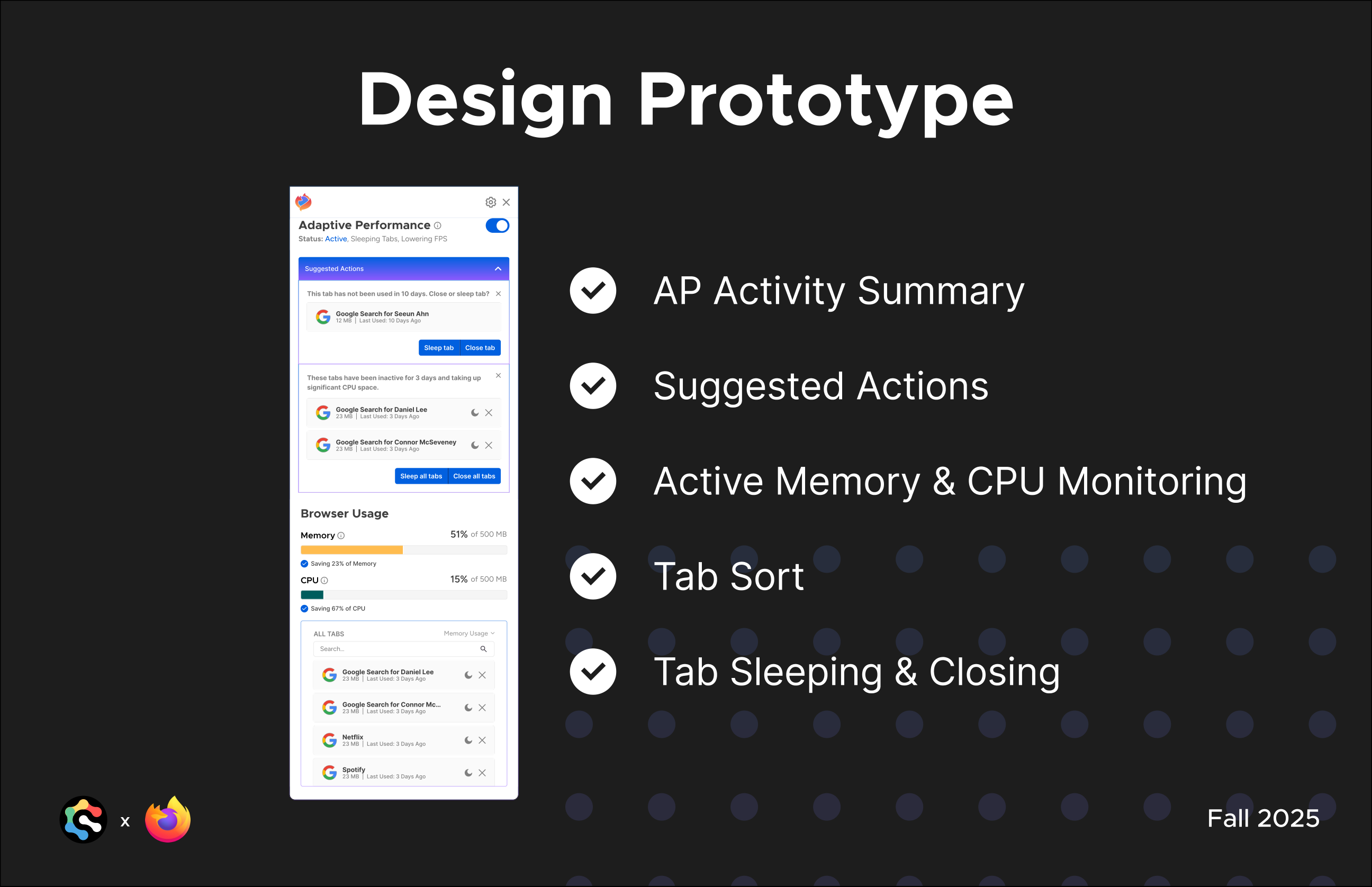
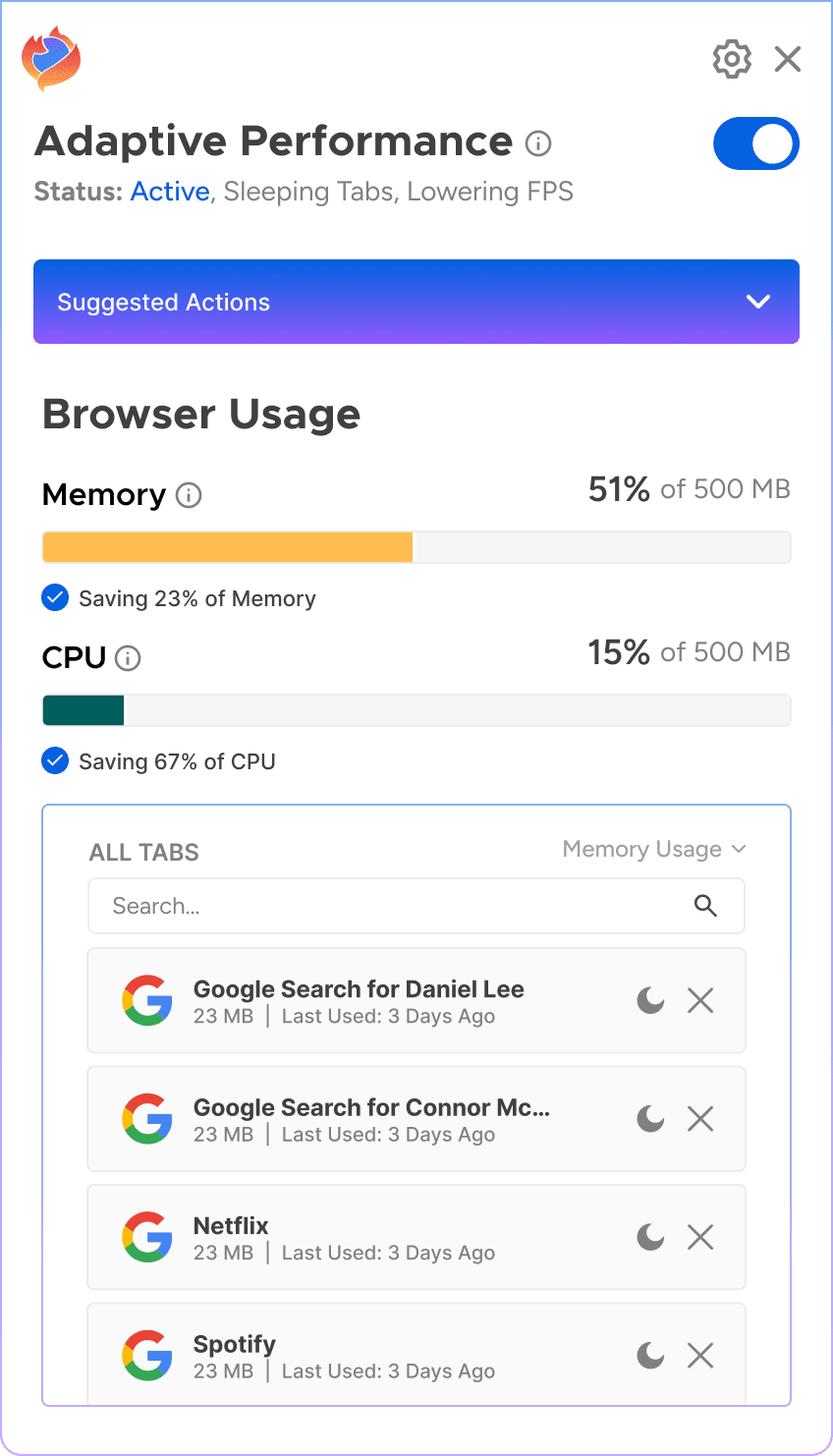
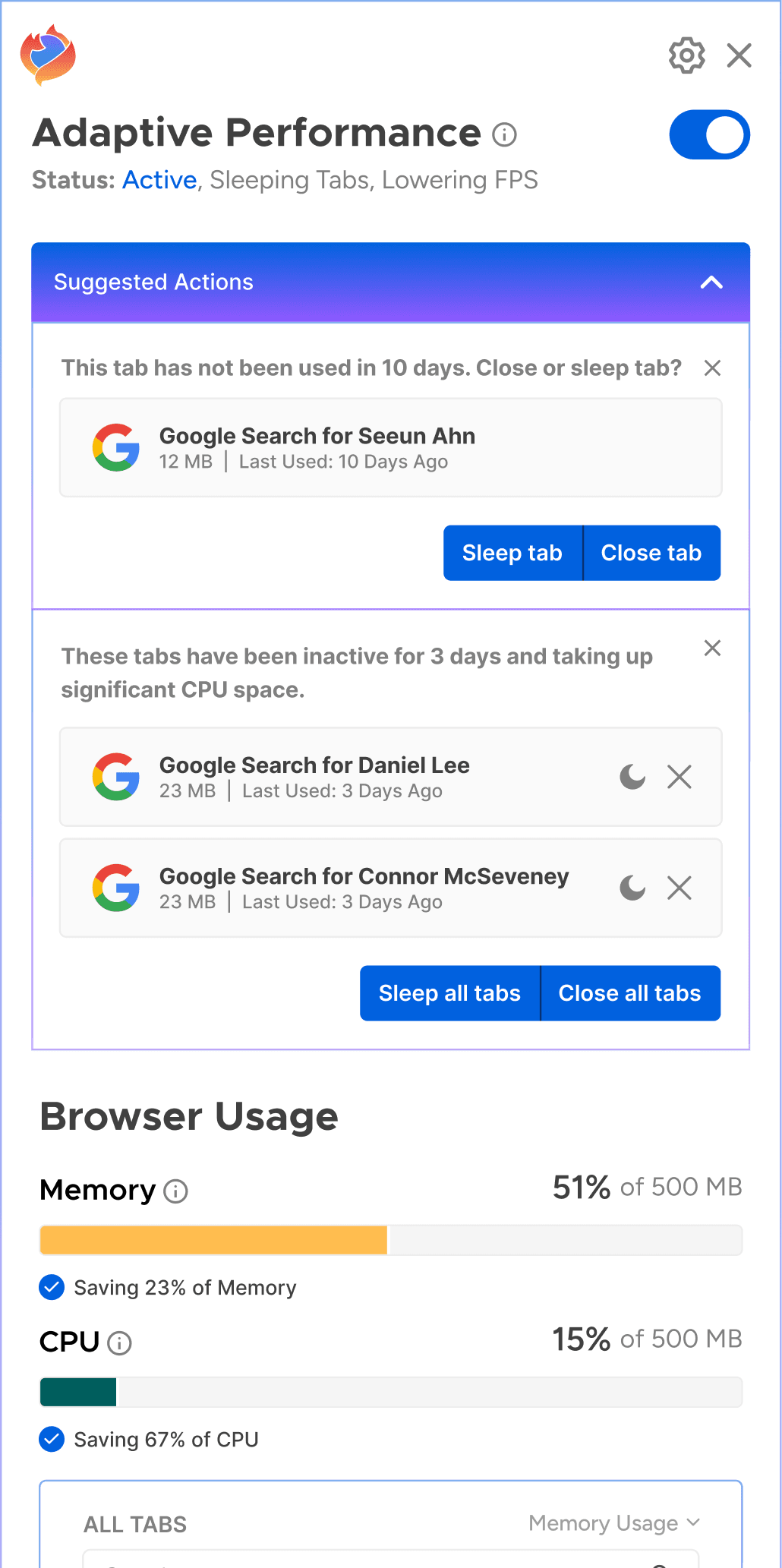
The shipped extension surfaces real-time memory and CPU savings, proactively suggests which tabs to sleep or close, and keeps every open tab searchable in one place.
AP Activity Summary
A quick snapshot of how Adaptive Performance is impacting the current session.
Suggested Actions
Proactive recommendations for which tabs to sleep or close, based on real-time signals.
Active Memory & CPU Monitoring
Live memory and CPU usage tracked per tab.
Tab Sort
Quickly reorder tabs by activity or resource usage.
Tab Sleeping & Closing
One-click controls to sleep or close tabs directly from the popup.
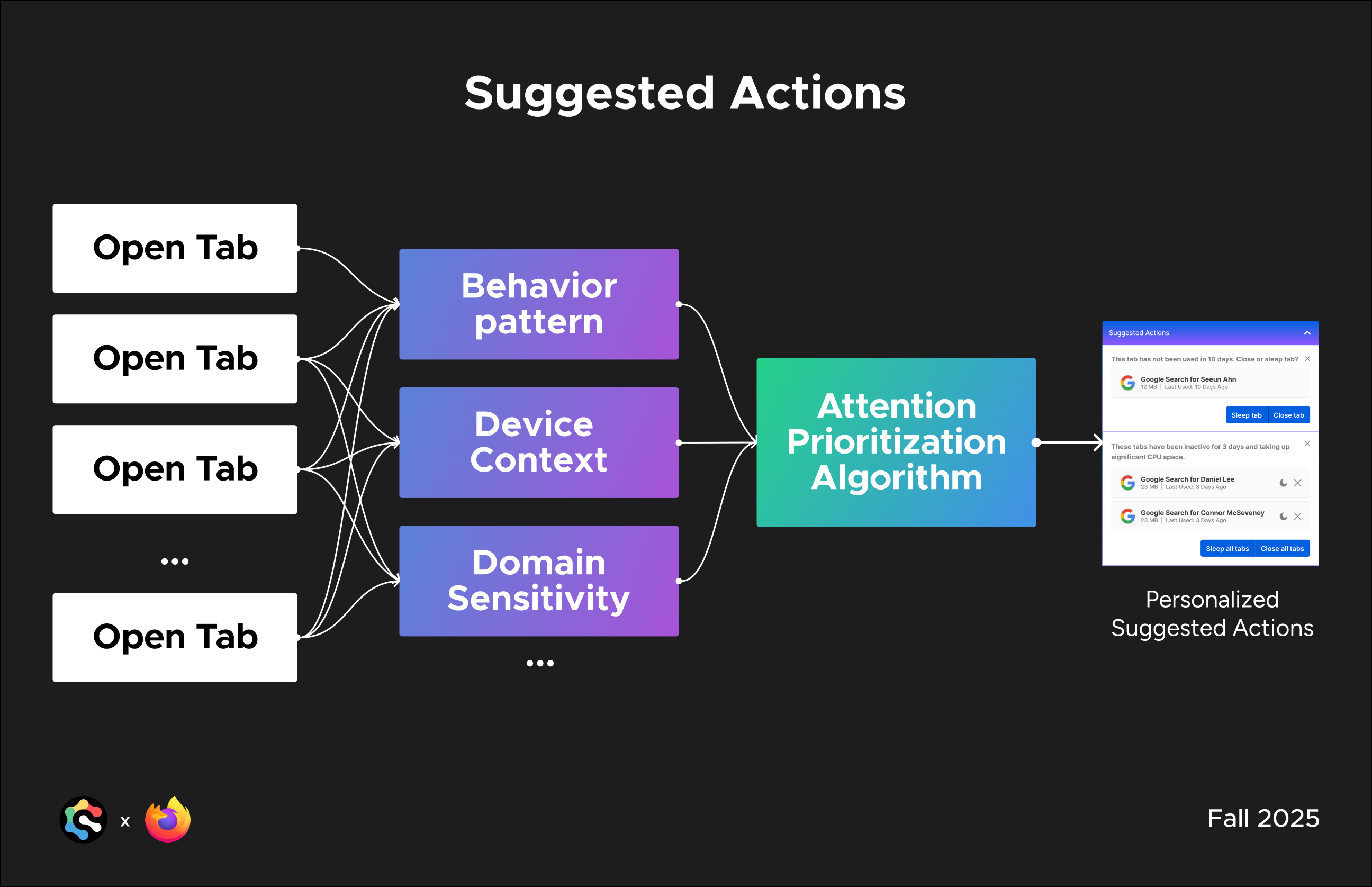
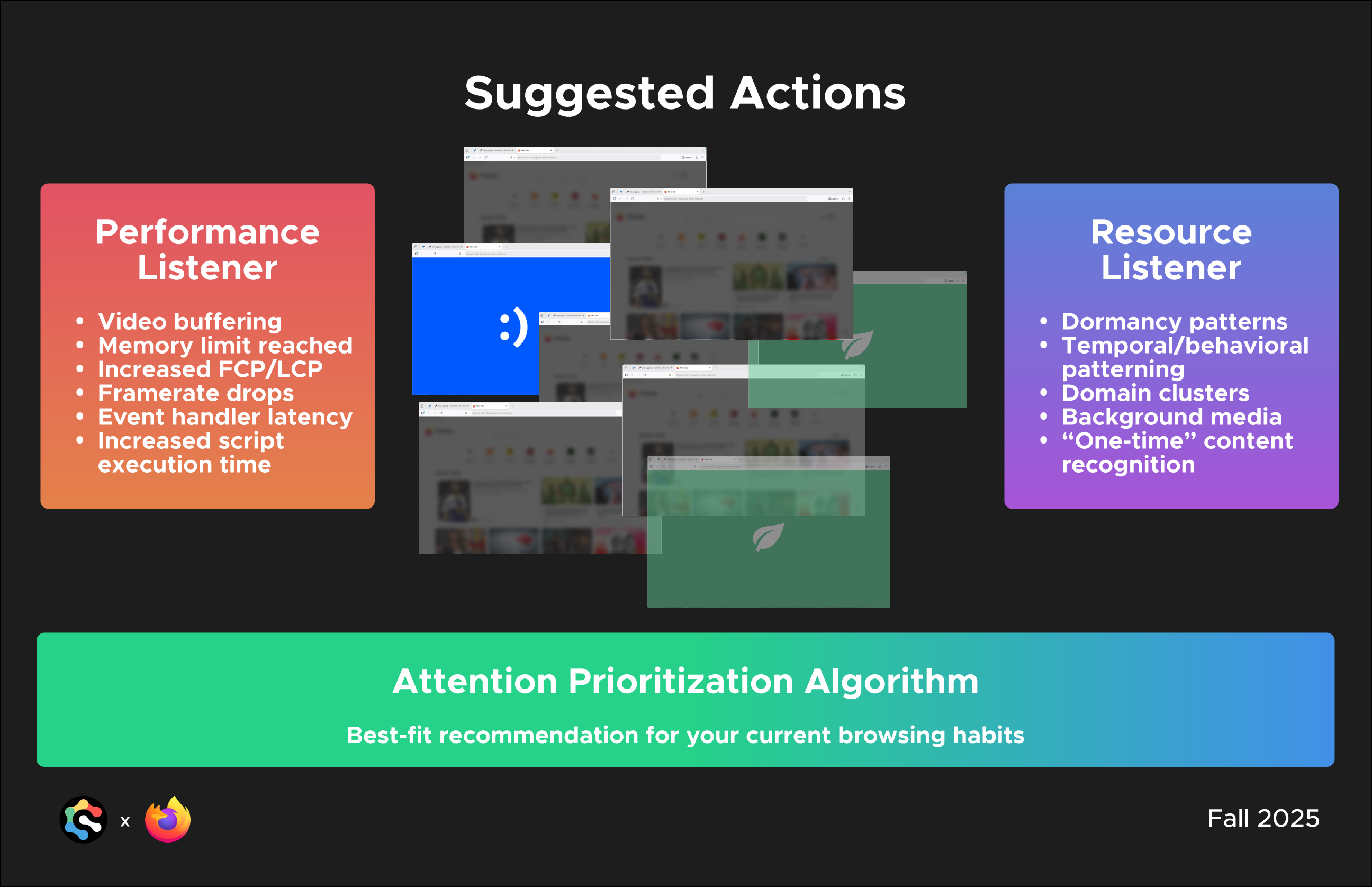
Under the hood, the Attention Prioritization Algorithm feeds on behavior patterns, device context, and domain sensitivity to generate each tab’s suggested action. Two listeners feed it in real time: a Performance Listener watching for signs of strain like buffering, memory pressure, and dropped framerates, and a Resource Listener tracking usage patterns like dormancy, domain clusters, and background media. Together, they let the algorithm tell a tab that’s actively working apart from one that’s just sitting open and draining resources.
Performance Listener
Resource Listener
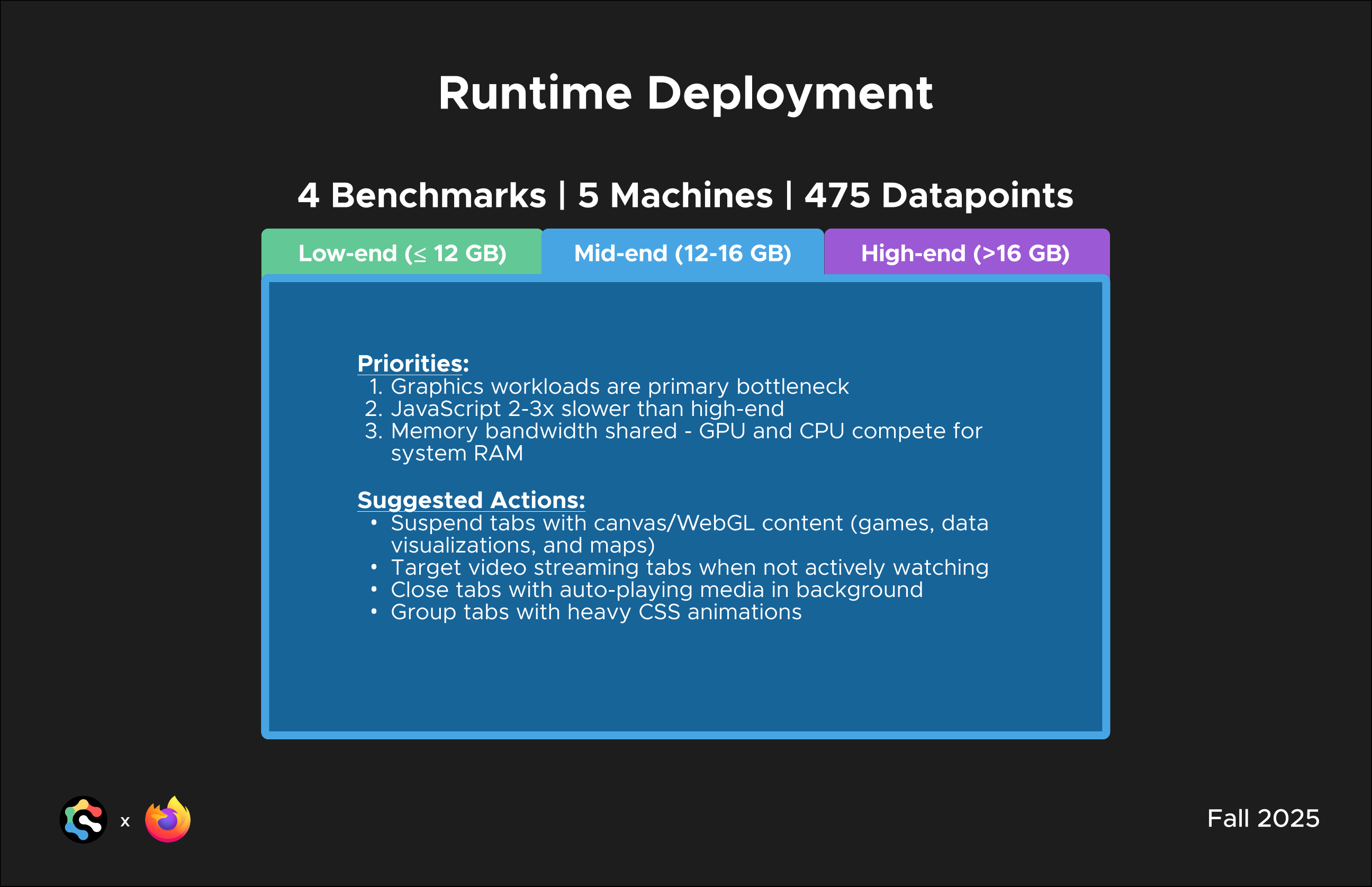
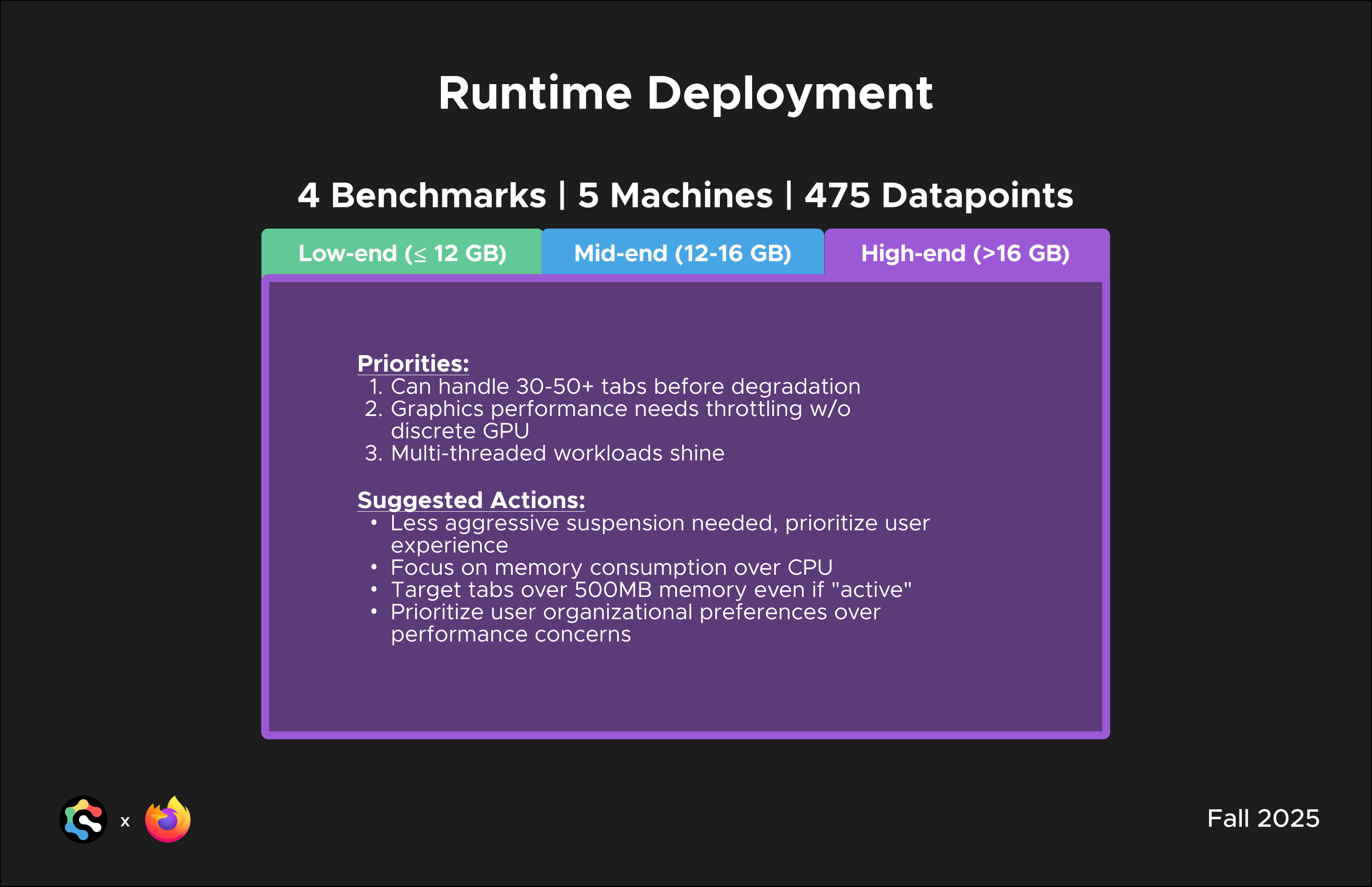
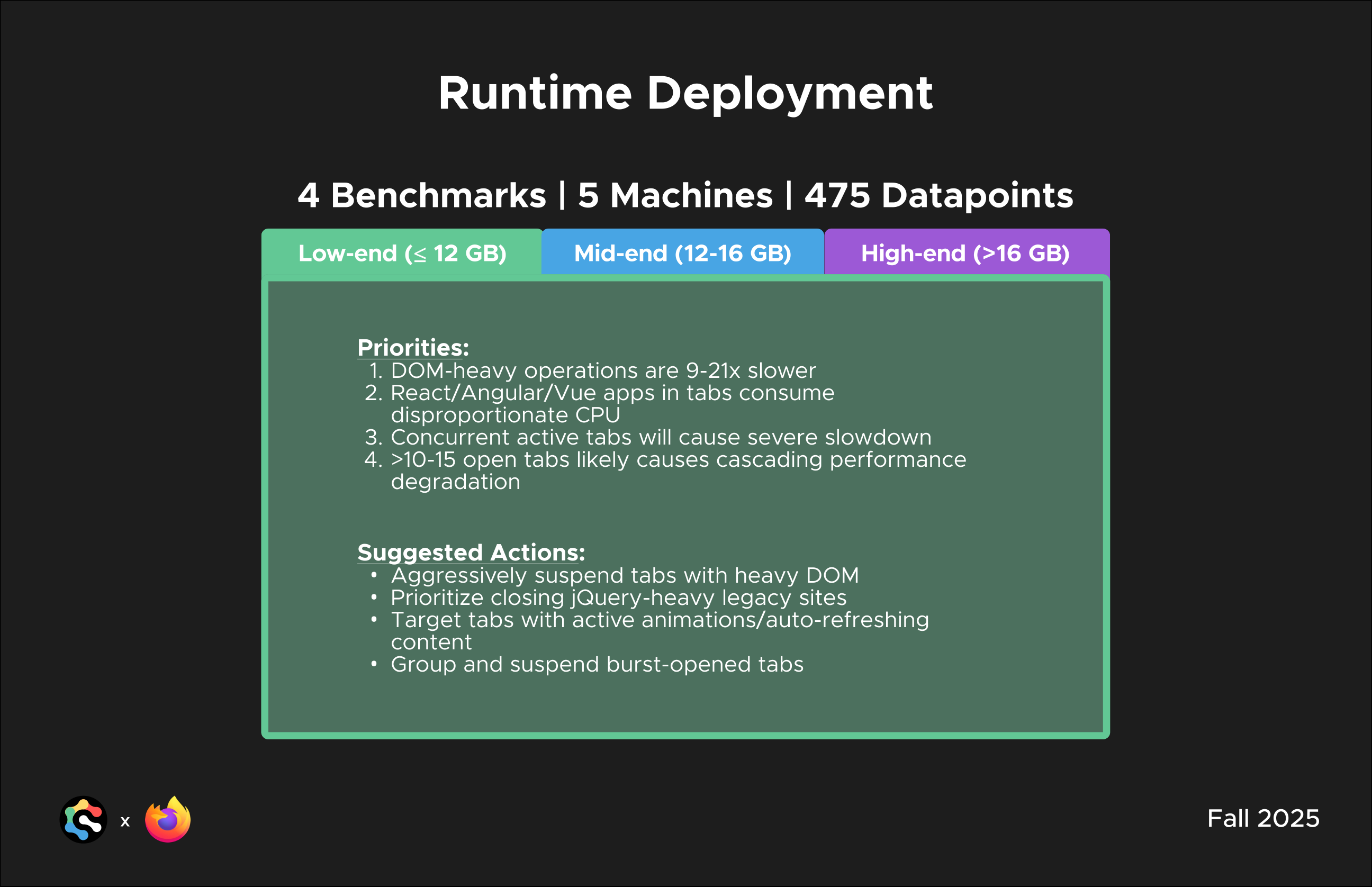
To validate these thresholds, the team ran 4 benchmarks across 5 machines for 475 datapoints, profiling how tabs behave under real workloads on low-, mid-, and high-end hardware. That data shaped a different set of priorities and suggested actions for each tier:
Low-end
≤12 GB RAM
Priorities
Suggested Actions
Mid-end
12–16 GB RAM
Priorities
Suggested Actions
High-end
>16 GB RAM
Priorities
Suggested Actions
Presentation Slides
A collaboration between ICB and Mozilla in Fall 2025. Project Leads: Daniel Lee, Connor McSeveney. Designers: Paco Lau, Ethan Tam, Junho Choi, Samuel Hudson, Erin Pan, Kalyani Puthenpurayil. Advised by Seeun Ahn and Tommy Nguyen. Mentored by Mike Conca, Karen Kim, and Tyler Thorne.